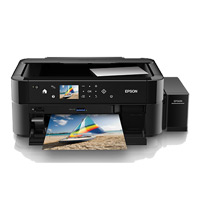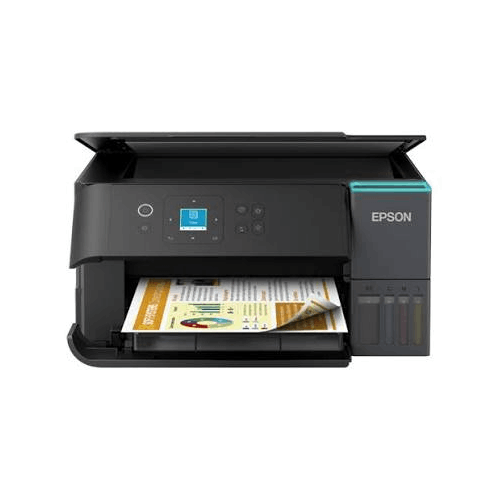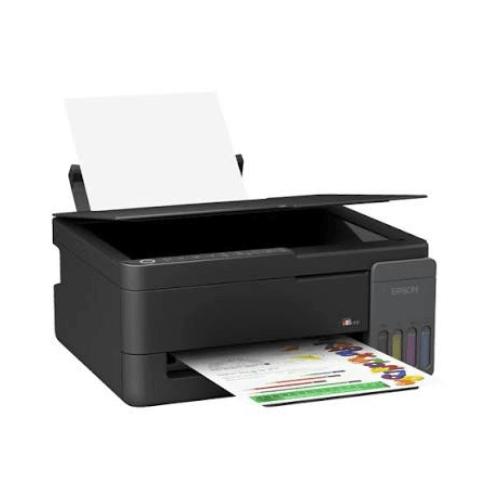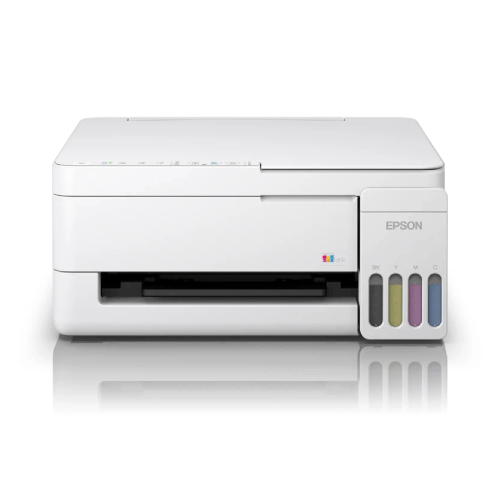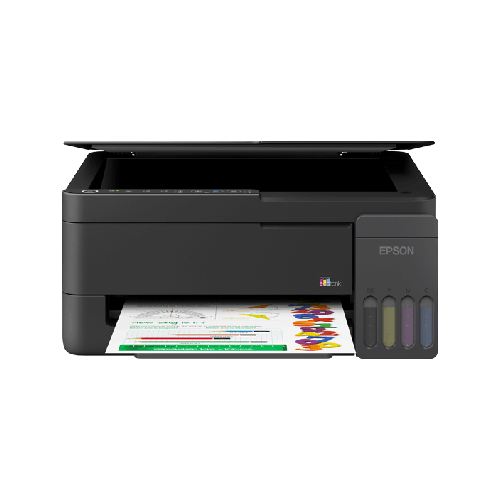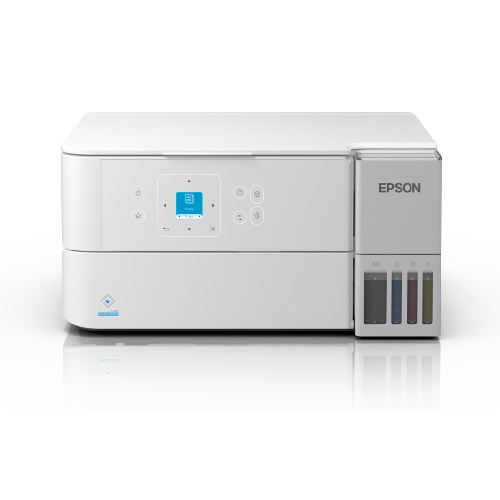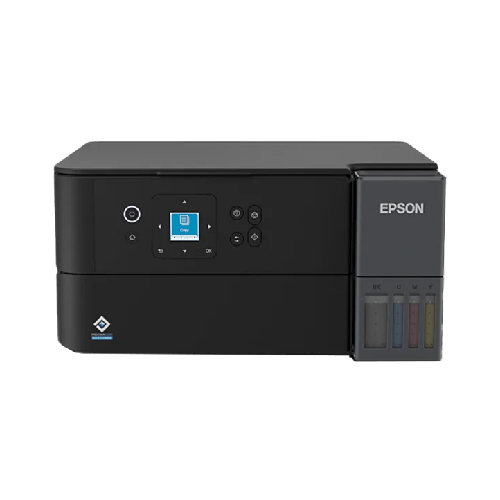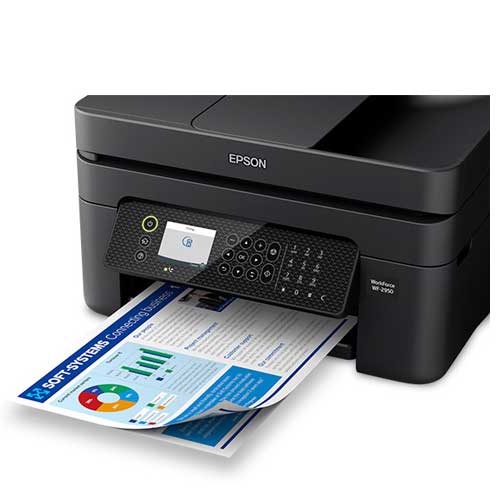
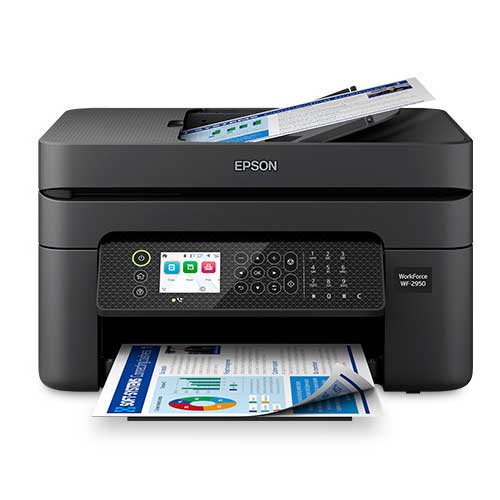
Epson WorkForce WF-2950 Wireless All-in-One Color Inkjet Printer
Regular Price:৳0.00Availability: SKU: 1.3.8.9054
Quick Overview
-
Support
Saturday – Thursday: 09 AM - 06 PM. -
Payment
Cash on Delivery | Card | Online Payment -
Shipping Cost
Inside Dhaka 200tk | Outside Dhaka 350tk -
Warranty Policy
Read More
Description
Epson WorkForce WF-2950 Wireless All-in-One Color Inkjet Printer in Bangladesh
In a busy Bangladeshi home or a small office where every day comes with its own “urgent” task, a printer is rarely used only for printing. One moment it’s an invoice that must be sent before the courier leaves, the next it’s a scanned NID copy for an online submission, then suddenly it’s your child’s class notes that need to be printed in the next ten minutes. The WorkForce WF-2950 Wireless All-in-One Color Inkjet Printer with Built-in Scanner, Copier, Fax and Auto Document Feeder is made for exactly this kind of real life—where a single device needs to quietly handle multiple responsibilities without turning every task into a technical project.
This is the kind of all-in-one printer you buy when you want your workflow to feel lighter. Not “perfect” in a showroom sense, but genuinely easier at home, smoother in a small business, and more reliable in those last-minute moments that are so common in Bangladesh—when load-shedding is possible, time is short, and you can’t afford to waste ten minutes fighting with settings.
At its heart, the WF-2950 is about convenience that actually saves time: print, scan, copy, and fax in one machine, plus an Auto Document Feeder (ADF) that takes the pain out of multi-page paperwork. It’s built for the kind of routine productivity that doesn’t look glamorous—but makes a huge difference when you’re running a home office, managing a family, handling client files, or supporting a small team.
The All-in-One Advantage: One Device, Four Jobs, Less Stress
Most people start by looking for “a printer.” But very quickly, what they really need is a dependable document station. That’s where an all-in-one shines, and the WF-2950 leans into that role with a practical feature set that feels purposeful.
Printing covers everything from black-and-white text documents to color pages that need to look neat and presentable. Scanning helps you turn physical paperwork into shareable files—vital in Bangladesh where many institutions still rely on printed forms, signatures, and stamped pages, yet submissions increasingly happen online. Copying stays relevant for everyday needs: training materials, student worksheets, ID copies, and business paperwork. And fax, for organizations that still use it, remains an important bridge for formal communication.
The point is not just that all these functions exist. The real benefit is that they live in one machine, so your desk stays cleaner, your process stays simpler, and you don’t need separate devices (or separate “learning curves”) for each task.
Auto Document Feeder (ADF): The Feature You’ll Be Grateful for Later
If you’ve ever had to scan a 10-page agreement or copy multi-page documents one sheet at a time, you already know why an ADF matters. It’s one of those features that instantly changes your relationship with paperwork. Instead of standing beside the machine, lifting the lid repeatedly, aligning pages, and hoping you don’t miss one, an ADF allows you to feed a stack and let the printer do its job.
In a Bangladeshi work context, this becomes incredibly useful:
- Scanning multi-page contracts for clients
- Copying training handouts for staff
- Digitizing academic documents for online applications
- Sending paperwork to accountants, banks, or HR
The WF-2950’s ADF is about reducing repetitive effort. It’s not just “nice to have”—it’s a time-saver that pays off whenever your printing needs move beyond one-page tasks.
Color Inkjet Printing: Practical Color That Serves Real Work
Color printing isn’t only for photographs. In business and education, color often acts as clarity. Color headings, simple charts, highlighted sections, and branded elements can make documents easier to understand and more professional in appearance.
The WF-2950’s color inkjet approach is meant for versatile everyday output—documents that may include logos, signatures, stamps, color-coded tables, or visual elements. For Bangladesh-based small businesses—boutiques, online sellers, service providers, agencies—being able to print a clean, color-forward page can help elevate the way you present your work to customers.
For families, it can be just as meaningful: school projects, learning materials, and class presentations often look more complete when printed in color. And for students, well-printed notes and diagrams can genuinely improve study clarity.
Wireless Printing: Built for the Way People Work Now
A printer that forces everyone to use one connected PC feels outdated fast. Today, printing is shared—across laptops, smartphones, and different members of a household or office. The WF-2950 is designed to fit that reality with wireless functionality that supports a more flexible routine.
In Bangladesh, where many people rely heavily on smartphones for day-to-day work, the ability to print without plugging in a cable feels like a small upgrade that quickly becomes essential. Imagine how it changes daily life: you can receive a PDF on WhatsApp or email and print it right away, without moving files around or setting up complicated steps every time.
Wireless printing also makes the printer easier to place. You can keep it where it makes sense—near a workspace, in a shared room, or in a corner that stays organized—rather than being forced to keep it beside one specific computer.
Scanner Quality and Everyday Document Confidence
Scanning is often treated like a “secondary feature,” until you need it urgently. Then it becomes the most important feature of the day. Whether it’s submitting documents for admissions, visa paperwork, banking requirements, HR onboarding, or business approvals—scanning needs to be clean and readable.
A good scanner does more than capture an image. It captures clarity: readable text, recognizable stamps, and a clean representation of signatures. And when you scan often, you begin to appreciate how much time a smooth scanning process saves. With the WF-2950, scanning is part of the overall productivity story—helping you move paperwork into digital workflows quickly.
Copying That Feels Effortless in Daily Life
Copying is still one of the most common tasks in many Bangladeshi homes and offices. You might need multiple copies of a document for a school admission, photocopies for office files, or copies of IDs and certificates for official submissions.
The WF-2950’s copying function supports this routine without requiring special setup. You want a copier that feels predictable: place the paper, choose the function, and get consistent results. When copying is fast and straightforward, it reduces the friction that makes people postpone paperwork.
Fax: Still Relevant Where Formal Workflows Exist
Even though digital communication dominates, fax is still used in certain formal environments. Some administrative workflows continue to depend on fax for documentation, approvals, or legacy processes. Having fax built in can be useful if you interact with organizations that still maintain those channels.
And more importantly, even if you rarely use fax, having it included means the printer is ready for a wider range of office requirements—without needing additional equipment.
Design and Build: Compact Professionalism for Home and Small Offices
The WF-2950 is designed to fit into real spaces. In Bangladesh, many home offices are not separate rooms—they’re a section of a bedroom, a shared corner in the living room, or a desk beside the dining area. A printer in these environments needs to look neat and feel manageable.
A clean, professional design helps the device blend into modern interiors. But the practical side matters just as much: accessible paper loading, sensible control placement, and a build that feels sturdy enough for frequent use. The best kind of office device is one you don’t have to think about—because it consistently behaves the way you expect.
Daily Productivity in Bangladesh: Where This Printer Fits Perfectly
Small business owner in Dhaka or Chattogram:
You’re printing invoices, delivery notes, warranty cards, basic marketing inserts, and administrative records. You also scan signed documents and keep digital records. The WF-2950 fits that rhythm—especially when paperwork grows and you don’t want to do everything page by page.
Home office for professionals:
From HR documents to client proposals, a home office needs business-ready results. Wireless printing keeps things flexible, while scanning and copying reduce dependence on local print shops—saving time and improving privacy.
Students and families:
Parents often need to print school materials, forms, and exam schedules. Students need assignment submissions, notes, and diagrams. A color all-in-one supports both academic and household needs with less stress.
Coaching centers and tutors:
You’ll print worksheets and practice materials and may need copies for students. The ADF becomes especially helpful when handling multi-page materials, saving staff time during busy hours.
A Human-Friendly Ownership Experience: Less Troubleshooting, More Doing
A printer should feel like a tool, not a hobby. The WF-2950’s biggest value is how it simplifies the routine. When your device can print, scan, copy, and fax with a workflow that feels natural, you stop “preparing” to do work and start doing it.
That’s the difference between a printer that sits idle because it’s annoying—and one that becomes part of your daily productivity without drama.
And in Bangladesh, where time matters and the pace of life can be demanding, that calm reliability is exactly what turns an all-in-one printer into a genuine upgrade.
✅ Key Features
- ✅ Wireless Printing: Print from your workspace without being tied to a single computer, making shared use easier at home or office.
- ✅ All-in-One Functionality: Print, scan, copy, and fax in one device to keep your document workflow centralized.
- ✅ Auto Document Feeder (ADF): Handle multi-page scanning and copying with less manual effort and fewer interruptions.
- ✅ Color Inkjet Output: Create cleaner-looking charts, headings, and branded pages that feel more professional.
- ✅ Built-in Scanner: Digitize paperwork quickly for online submissions, email sharing, and record keeping.
- ✅ Copier for Daily Use: Make fast copies of forms, IDs, and documents without needing a separate machine.
- ✅ Fax Capability: Stay prepared for formal workflows that still require fax communication.
- ✅ Space-Smart Design: Fits comfortably into smaller Bangladeshi home offices and compact workspaces.
- ✅ Great for Mixed Users: Works well for families, students, and small teams who share one printer.
- ✅ Productivity-Focused Workflow: Designed to reduce repetitive tasks and keep paperwork moving smoothly.
✅ Ideal For
The WorkForce WF-2950 Wireless All-in-One Color Inkjet Printer with Built-in Scanner, Copier, Fax and Auto Document Feeder is ideal for Bangladesh-based users who handle regular paperwork and want a dependable, space-efficient solution. It’s a strong match for small business owners who print invoices, delivery notes, and customer documents and need scanning for record keeping and quick sharing. Home-office professionals who submit documents online, manage client paperwork, or work with forms will appreciate the all-in-one convenience and wireless flexibility.
It’s also a practical choice for families with students—especially when printing notes, assignments, and project materials becomes routine. Coaching centers, tutors, and small training teams can benefit from the ADF when dealing with multi-page handouts and administrative documents. If your daily life includes printing plus scanning and copying—often under time pressure—this printer fits naturally into your workflow.
✅ Why Choose the WorkForce WF-2950 Wireless All-in-One Color Inkjet Printer with Built-in Scanner, Copier, Fax and Auto Document Feeder?
The WF-2950 stands out because it’s designed for everyday productivity without unnecessary complexity. Many printers can print, but fewer feel truly helpful when your day includes scanning stacks of documents, copying forms repeatedly, and printing from multiple devices. This model brings those needs together in one compact, practical all-in-one.
Unmatched Performance: What makes it valuable in real use is the way it supports routine work without slowing you down. The ADF reduces the most annoying part of paperwork—handling pages one by one—while wireless printing keeps your setup flexible. When multiple people share one printer, these two features alone can dramatically cut daily friction.
Innovative Technology: The combination of wireless convenience and multi-function capability matches the way Bangladeshi households and small offices operate today. You’re not locked into a cable-based setup, and you’re not forced to buy separate devices for scanning or copying. It’s a more modern, streamlined approach to document handling.
Future-Proof Investment: Your needs tend to grow over time—more paperwork, more online submissions, more printing for work or education. A printer with scanning, copying, and ADF support stays relevant longer because it adapts as your workload increases.
Premium Brand Value: WorkForce printers are associated with productivity-focused design. With the WF-2950, you’re choosing a model built around practical office needs rather than occasional use—making it a confident choice for users who expect consistent results.
✅ Why Buy This Product
If you want a printer that doesn’t just “print sometimes” but genuinely supports your daily workflow, the WorkForce WF-2950 Wireless All-in-One Color Inkjet Printer with Built-in Scanner, Copier, Fax and Auto Document Feeder is a smart, confidence-building choice. It helps you handle paperwork at home or in a small office with less manual effort—especially when you need to scan or copy multiple pages quickly.
From printing professional-looking documents to digitizing important forms for online submissions, it’s designed to keep your routine moving. Wireless printing adds convenience for shared use, while the ADF turns time-consuming tasks into a smoother process.
Order the WorkForce WF-2950 Wireless All-in-One Color Inkjet Printer with Built-in Scanner, Copier, Fax and Auto Document Feeder today and elevate your productivity with an all-in-one that’s built for real Bangladeshi workdays—fast, practical, and dependable.
What is the price of Epson WorkForce WF-2950 Wireless All-in-One Color Inkjet Printer in Bangladesh?
Write a review
Question Answer
Have question about this product? Get specific details about this product from expert.





Epson LQ-590II Dot Matrix Printer