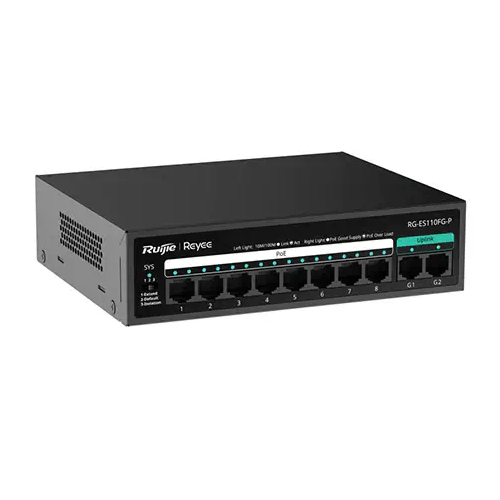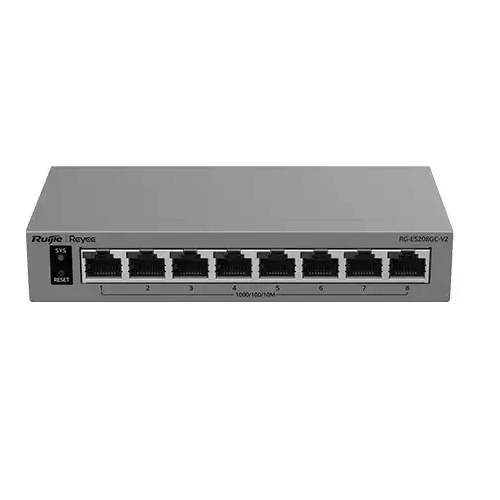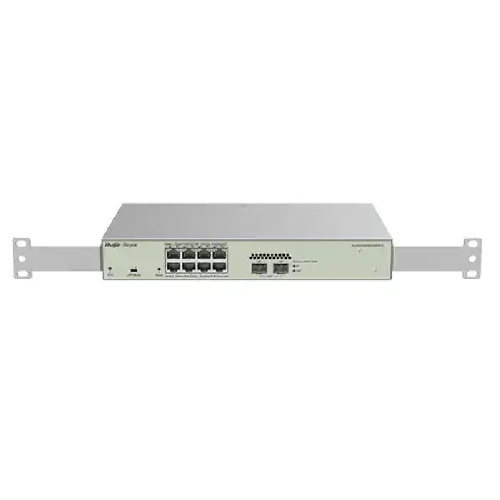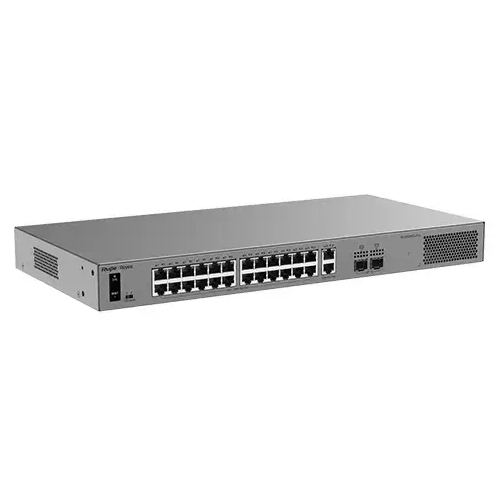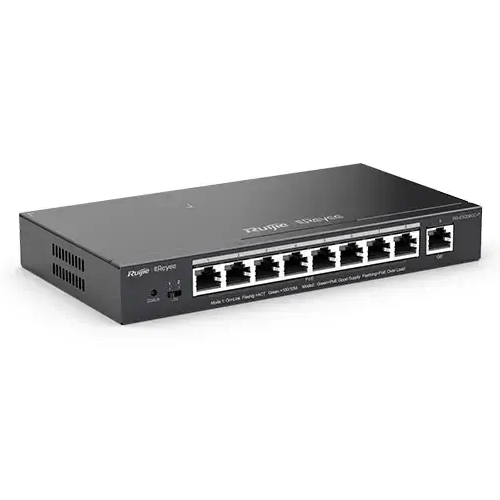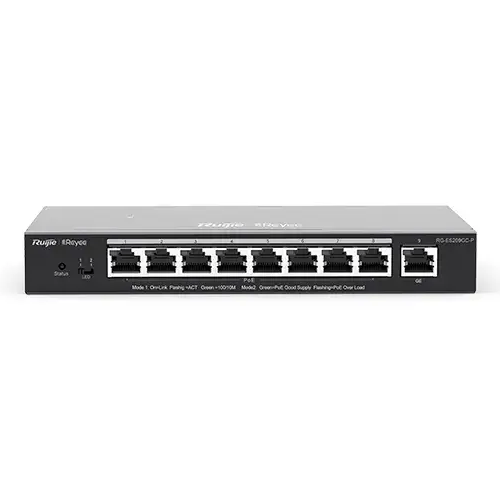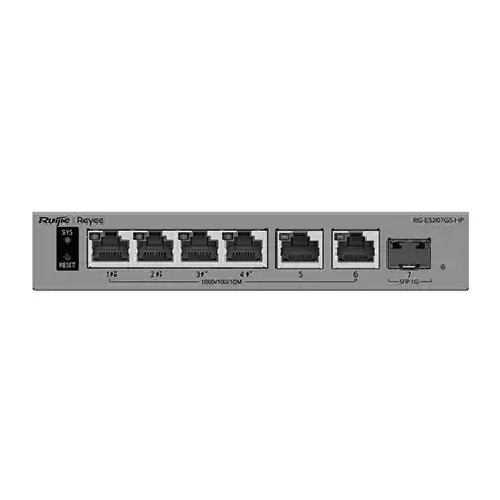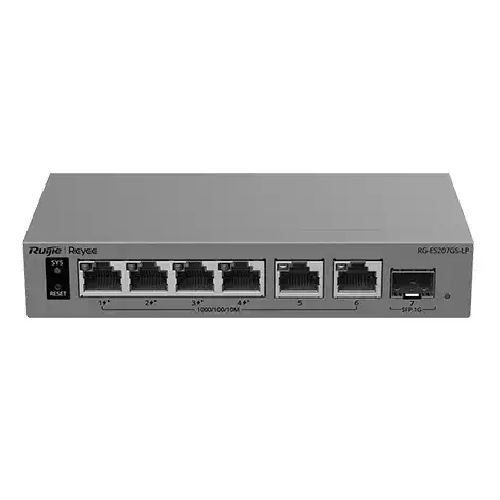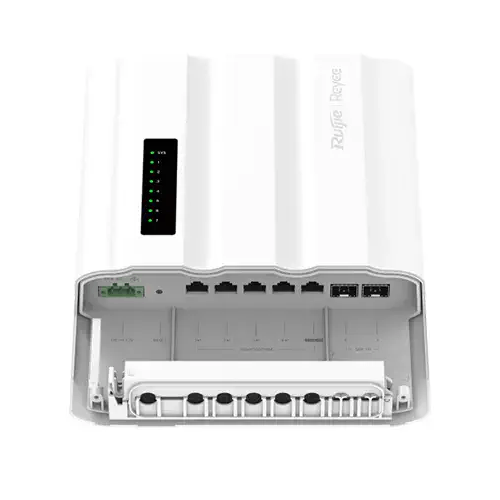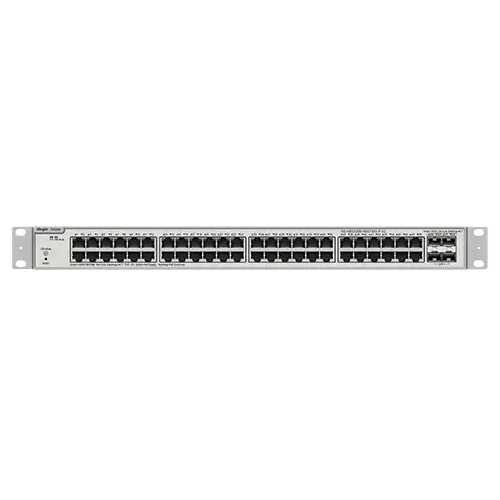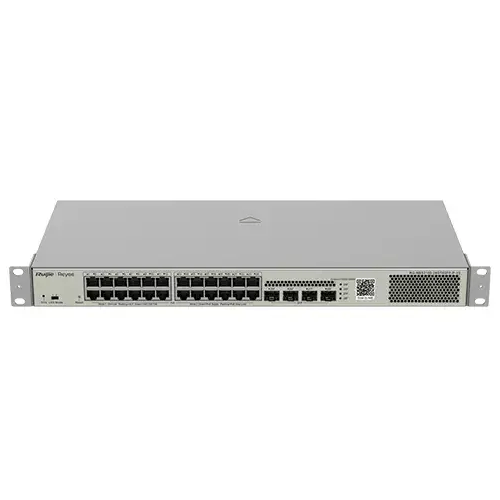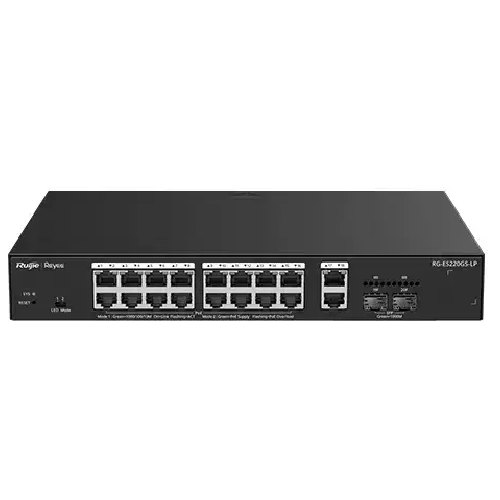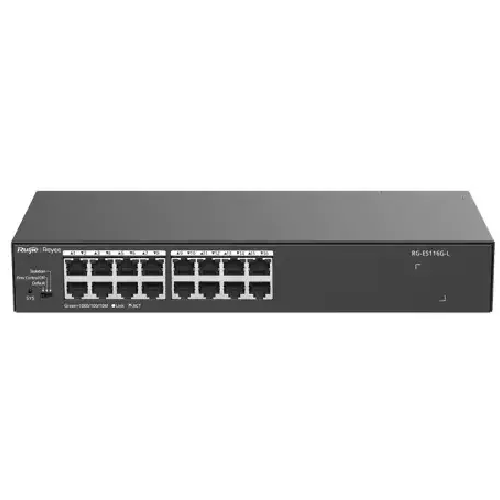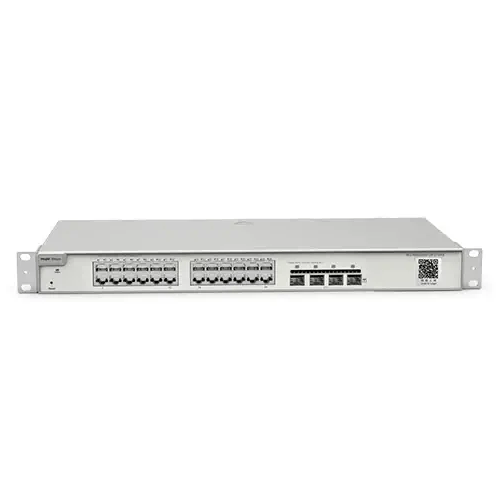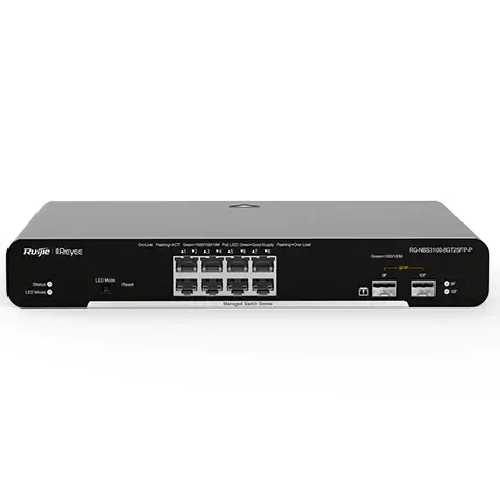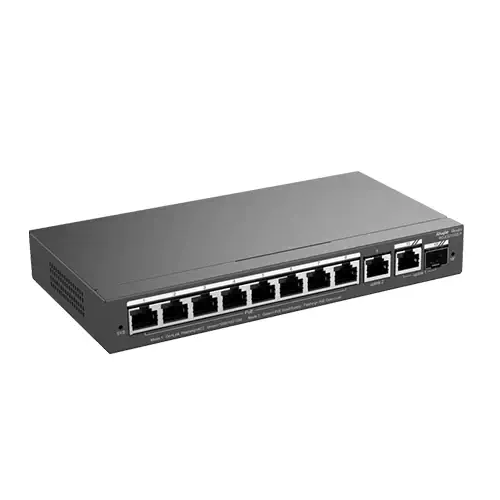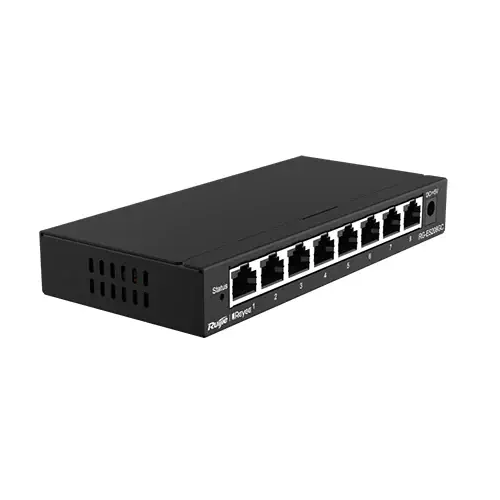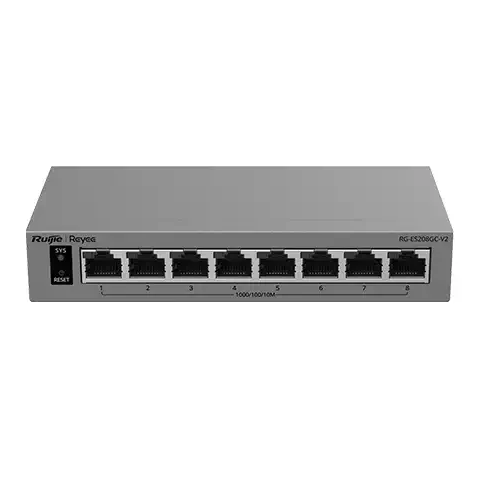
Ruijie Reyee RG-ES208GC-V2 8-Port Gigabit Smart Cloud-Managed Non-PoE Switch
Regular Price:৳0.00Availability: SKU: 6.54.312.9612
Quick Overview
-
Support
Saturday – Thursday: 09 AM - 06 PM. -
Payment
Cash on Delivery | Card | Online Payment -
Shipping Cost
Inside Dhaka 100tk | Outside Dhaka 150tk -
Warranty Policy
Read More
Description
Ruijie Reyee RG-ES208GC-V2 8-Port Gigabit Smart Cloud-Managed Non-PoE Switch in Bangladesh
The Ruijie Reyee RG-ES208GC-V2 is identified as an 8-port Gigabit smart cloud-managed non-PoE switch. These core details make it a candidate for wired networks that need a defined number of Gigabit-class connections and a cloud-managed switch category, but do not need power to be delivered to devices through Ethernet from the switch. Its eight-port count, management designation and non-PoE design should guide the first stage of product selection. Before purchase, check the detailed manufacturer documentation for any feature or interface requirement that is not confirmed by those details.
What the Model Information Confirms: The available product information for this page establishes the model name, eight-port count, Gigabit classification, smart cloud-managed designation and non-PoE type. It does not confirm specific switching capacity, forwarding rate, port layout, uplink designation, SFP or fibre connectivity, VLAN functions, management controls, operating environment, physical dimensions or included accessories. The “V2” suffix is part of the model code; do not assume which specifications or functions distinguish this revision from another model version without checking the product documentation.
Planning Around Eight Ports: Eight ports can serve a small wired network or a network segment within a larger installation, depending on how devices are connected. Make a list of the equipment that needs a wired connection and count every required port, including the connection to an existing router or switch. In a simple layout where one of the eight ports connects upstream, seven ports remain for other devices on that switch. The exact topology may differ, so check the port layout and connection plan rather than assuming a separate dedicated uplink.
Understanding the Gigabit Classification: The product is described as a Gigabit switch, which positions it for compatible wired network connections in that category. The speed a device actually achieves depends on the capabilities of both ends of the link, the connected equipment, the cabling and the wider network. A Gigabit-labelled switch does not increase the speed of an internet subscription or make a slower endpoint operate at Gigabit speed. For a planned installation, verify the detailed port specifications and make sure that the connected devices and cabling are suitable for the network speed you need.
Non-PoE Design and Device Power: The RG-ES208GC-V2 is identified as non-PoE. This means buyers should not plan to use it as the source of power for cameras, wireless access points or other devices that require power over Ethernet. Those endpoints need their own compatible power adapters or a suitable separate power arrangement. An IP camera can still be part of a network connected through a non-PoE switch if the camera has an independent power source and is otherwise compatible. If you need the switch itself to power endpoints, compare it with a suitable PoE model instead.
Smart Cloud-Managed Category: The model’s cloud-managed designation may make it relevant to buyers who are specifically considering a switch managed through a cloud-based system. The title also identifies it as smart managed, but the exact configuration options, interface, management workflow and supported functions are not established by the details available here. Confirm which cloud platform applies to this model and what its use involves before making a purchasing decision based on a particular management capability.
Check Management Requirements Before Deployment: Cloud-management arrangements can differ between products. Depending on the platform, a buyer may need to consider account setup, network access, software or portal requirements, permissions and the way the switch will be administered. These requirements should be confirmed in the official product guide rather than assumed from the general phrase “cloud-managed.” If your network needs specific controls, alerts, configuration options or remote access, verify that the RG-ES208GC-V2 supports the exact functions and operating conditions you require.
Small Office Networks: In a small office, a switch can provide wired connections for compatible desktop computers, printers, network storage or other Ethernet devices. The RG-ES208GC-V2 may suit an office plan when its eight-port capacity, Gigabit classification and non-PoE design align with the equipment list. Consider how many ports will be used for connections to the router or other network equipment, and whether any endpoints need power from the switch. A port and power plan helps prevent a mismatch between the selected switch and the finished office layout.
CCTV and Security Networks: A non-PoE switch may be considered for an IP-camera network when the cameras receive power separately. The switch can be part of the data network, but it does not remove the need to power each camera through an appropriate adapter, injector or separate power system. Before selecting it for CCTV, count the camera connections along with the ports needed for a recorder, router or other network equipment. Also check the camera and recorder network requirements and confirm that the planned cabling and topology suit the installation.
Retail and Service Locations: Shops, studios and service businesses often combine networked computers, printers, recorders and other wired equipment. An eight-port switch can be considered where the number of connections fits and where powered endpoints have an appropriate separate power source. For a retail deployment, map equipment locations and cable routes before ordering. If the switch will sit in a back office or cabinet, follow the manufacturer’s installation guidance and check any environmental limits in the official documentation; those limits are not specified in the available product information here.
Learning, Clinic and Home-Office Use: A training room, clinic back office or home office may need wired connections for several compatible devices without requiring PoE from the switch. In these settings, the decision should be based on connection count, network speed needs, management requirements and the existing router or network layout. For example, computers and network printers may use their own power supplies, while a wireless access point may need a separate power arrangement if it normally receives PoE. Check every endpoint before choosing a non-PoE model.
Connecting It to an Existing Network: A switch is generally used alongside network equipment such as a router or another switch; it does not take the place of an internet gateway. Before connecting the RG-ES208GC-V2, identify the upstream connection and any devices that need to communicate across the network. The exact supported network functions are not confirmed here, so verify any requirement for segmentation, traffic handling or specific management controls in the official documentation. Do not assume a feature is available just because the product is described as smart or cloud-managed.
Set Expectations for Performance: The available information identifies the product as Gigabit but does not provide switching capacity, forwarding rate or other performance figures. Avoid basing a high-traffic deployment on unconfirmed numerical specifications. Review the manufacturer’s detailed documentation if your network depends on a particular aggregate throughput, traffic pattern or performance threshold. Also consider the capacity of connected equipment, upstream links and the wider network: a switch is only one part of the data path.
Cabling and Setup: Use Ethernet cabling appropriate for the installation and check that the connected equipment and cable runs support the network speed you expect. Keep an accurate record of which cable connects to each device, particularly if the switch is used for a mix of office equipment, cameras and other endpoints. During setup, follow the manufacturer’s instructions for management and network integration. If cloud management is part of your plan, complete any applicable account or platform checks before relying on it for ongoing administration.
Installation and Care: The detailed operating temperature, enclosure rating, mounting options and environmental protections are not confirmed by the available product information. Do not assume that the switch is suitable for outdoor or exposed installation. Choose an appropriate location, protect the device and its connections from unsuitable conditions, and follow the official installation and care instructions. If the switch will be installed in a cabinet or equipment area, verify that the placement meets the manufacturer’s requirements and allows the device to operate as specified.
Bangladesh Network Planning: For buyers in Bangladesh, the RG-ES208GC-V2 may be considered for a small office in Dhaka, a retail network in Chattogram, a clinic in Sylhet or a branch site in Khulna or Rajshahi. The same checks apply in each location: count the ports, confirm the network speed requirements, determine how endpoints will be powered and check that cloud management fits the organization’s setup. If your site needs PoE for cameras or access points, select a model that explicitly provides the required PoE output instead of assuming this non-PoE switch can power them.
Confirm the Full Specification and Purchase Terms: The model title does not establish the complete technical specification, package contents or warranty conditions. Check the manufacturer’s documentation and ask BME to confirm any detail that affects your installation, such as exact port capabilities, cloud-management requirements, accessories, current price and applicable purchase terms. This is especially important if you are replacing an existing switch or need a particular feature for business operations.
Product Selection Summary: The Ruijie Reyee RG-ES208GC-V2 is best evaluated as an eight-port Gigabit smart cloud-managed non-PoE switch. Its known characteristics make it relevant to compact wired-network plans where cloud-managed equipment is desired and power is supplied separately to connected devices. Confirm the remaining technical details against your requirements before ordering. A clear device list, port plan and power plan will help you decide whether this model fits your network or whether a switch with a different port count or PoE capability is more appropriate.
✅ Key Features
- Eight-Port Configuration: Provides eight ports for planning a compact wired network or network segment.
- Gigabit Switch Classification: Offers Gigabit-class connectivity for compatible equipment; verify the detailed interface specifications.
- Smart Cloud-Managed Design: Identifies the switch as part of a cloud-managed product category, with exact platform functions to be confirmed.
- Non-PoE Operation: Makes it clear that connected devices need a separate power source rather than PoE power from the switch.
- Defined Port Capacity: Helps buyers compare the switch against an equipment list before installation.
- Suitable for Compatible Ethernet Devices: Can be considered for wired equipment that meets the switch’s confirmed network requirements.
- Cloud-Management Selection Option: May suit buyers seeking a cloud-managed switch, after checking management requirements and available functions.
- Version-Specific Model Identification: The RG-ES208GC-V2 model code helps buyers verify the exact product version before ordering.
✅ Usage / Applications
- Small Office Networks: Connect compatible wired computers, printers and other office equipment, subject to port planning.
- Home-Office Setups: Add wired network connections where the port count and management approach fit the household setup.
- Retail Networks: Connect compatible back-office or point-of-sale equipment that uses Ethernet.
- CCTV Data Networks: Connect IP cameras that have a separate power source, after checking camera and recorder compatibility.
- Training Rooms: Provide wired connections for compatible equipment when eight ports are sufficient.
- Clinic Back Offices: Connect networked devices that use Ethernet and receive power separately.
- Branch Network Segments: Consider it for a small network area where the port and management requirements match.
- Separately Powered Access Points: Connect compatible access points that receive power independently or through a suitable external power arrangement.
✅ Benefits of This Product?
- Clear Port Planning: The eight-port count helps buyers assess connection needs before selecting a switch.
- Gigabit-Class Network Option: Provides a Gigabit-class choice for compatible wired devices.
- No Unneeded PoE Assumption: The non-PoE designation makes power requirements clearer during product selection.
- Flexible Use in Wired Layouts: Can be evaluated for offices, retail sites and other networks with compatible Ethernet equipment.
- Cloud-Managed Category: Offers an option for buyers who are specifically considering cloud-managed network equipment.
- Easier Device-Power Planning: Encourages buyers to plan power separately for cameras, access points and other powered endpoints.
- More Informed Model Comparison: Its known model and category details provide a starting point for comparing port count, management and PoE needs.
- Network-Expansion Potential: May add wired connections to a suitable existing network, subject to topology and product compatibility.
✅ Ideal For
The RG-ES208GC-V2 is ideal for buyers in Bangladesh who need a small, clearly defined wired switching point with eight Gigabit-class ports and who specifically want a cloud-managed product category. It may suit a small office, retail counter, clinic back office, training room, home office or branch network where the connected equipment uses Ethernet and its own power supplies. Organizations connecting computers, printers, recorders, network storage or separately powered access points can evaluate it for their wired network, subject to port and topology planning.
It is particularly relevant where PoE is not required from the switch itself or where powered devices already have adapters or a separate power arrangement. Buyers who need the switch to power IP cameras or access points should consider a suitable PoE model instead. The RG-ES208GC-V2 may not be appropriate if the project needs more than eight ports, fibre connectivity, a particular management function or a verified specification that is not established here. Check the detailed manufacturer documentation, cloud-management requirements, warranty conditions and exact model version before buying.
✅ Why Choose the Ruijie Reyee RG-ES208GC-V2 8-Port Gigabit Smart Cloud-Managed Non-PoE Switch?
The main reason to consider the RG-ES208GC-V2 is its defined combination of eight ports, Gigabit classification, smart cloud-managed designation and non-PoE design. These characteristics help buyers compare it with the needs of a wired network without assuming that every switch offers the same features. If your equipment list fits within the available port count and your endpoints have their own power arrangements, a non-PoE switch can be an appropriate category to evaluate.
The cloud-managed designation is another point to consider if your organization is choosing managed network equipment. It signals the product category, but the exact platform, management functions and access requirements should be confirmed before purchase. This is particularly important if a project depends on remote administration, a specific configuration option or a particular management workflow. Confirm that the documented capabilities match the way your team plans to administer the network.
The eight-port capacity can be useful for a compact office, retail location or small network segment, provided that the connection to upstream equipment is included in the port plan. The Gigabit classification is relevant for compatible devices, but actual link performance depends on the endpoints, cabling and broader network. Likewise, the non-PoE design is important for CCTV or access-point installations: it does not supply power over Ethernet, so powered devices need separate power.
The model should be compared against your actual requirements rather than chosen on its name alone. Verify detailed interface information, any essential management functions, environmental limits, package contents and warranty terms in the applicable documentation. If those checks align with your installation, the RG-ES208GC-V2 offers a clear eight-port, Gigabit-class, cloud-managed non-PoE option to consider for a compatible wired network.
✅ Why Buy This Product from BME?
BME’s website gives buyers in Bangladesh a place to review the Ruijie Reyee RG-ES208GC-V2 listing and check the current product information. Before ordering, confirm that the listing is for the exact V2 model and that its current description matches the switch you need. Checking the model code matters when a product family includes similar names or versions.
If an installation depends on a particular technical detail, ask BME to confirm it before checkout. Useful details to verify include the full port specification, cloud-management requirements, included accessories, warranty duration and the applicable purchase terms. The model title establishes that this is a non-PoE switch, but it does not provide a complete specification or package list. Do not assume that an unlisted feature, accessory or service is included.
For a CCTV or office project, prepare your device list and network plan before making an enquiry. Explain how many Ethernet connections are required, whether endpoints need PoE and whether cloud management is essential. This makes it easier to identify any mismatch between the product category and your planned setup. Buyers ordering for Dhaka, Chattogram or another location in Bangladesh should also confirm the current terms that apply to their purchase. Reviewing the exact model and the conditions before ordering supports a more informed purchase decision.
✅ Buying Guide
-
Confirm the Model: Check that the listing and product documentation identify the switch as the Ruijie Reyee RG-ES208GC-V2. Do not assume that another version has identical specifications.
-
Count Required Ports: List every device that needs a wired connection, including the link to the router or another switch. Check whether eight ports are enough for the complete topology.
-
Verify Gigabit Requirements: Confirm the detailed port specifications and make sure connected equipment and cabling support the network speed you need.
-
Plan Device Power: Remember that this is a non-PoE switch. Cameras, access points and other powered endpoints need a separate, compatible power arrangement.
-
Check Cloud Management: Verify the supported management platform, setup requirements and exact functions if cloud management is important to your network.
-
Confirm Required Features: If your project requires VLANs, fibre connectivity, specific security functions or particular performance figures, check them in the official product documentation instead of inferring them from the “smart” or “cloud-managed” description.
-
Review Installation Needs: Check the manufacturer’s guidance for mounting, operating conditions and placement. Do not assume the switch is suitable for outdoor or exposed use.
-
Confirm Purchase Terms: Ask BME to confirm current pricing, availability, package contents, warranty coverage and the terms that apply to your order.
✅ Customers Ask About / Frequently Asked Questions
Q: What is the Ruijie Reyee RG-ES208GC-V2 price in Bangladesh?
A: The current price is not specified here. Check BME’s listing or confirm directly with BME before ordering.
Q: How many ports does the RG-ES208GC-V2 have?
A: It is identified as an 8-port switch. Check the detailed product documentation for the exact port specifications and layout.
Q: Is the RG-ES208GC-V2 a Gigabit switch?
A: Yes, it is described as a Gigabit switch. Actual connection speed depends on the connected equipment, cabling and network configuration.
Q: Is this switch PoE or non-PoE?
A: It is identified as a non-PoE switch and should not be selected to provide PoE power to connected devices.
Q: Can it connect IP cameras?
A: It may be used in a compatible camera data network if the cameras have a separate power source. Confirm camera, recorder and network compatibility before installation.
Q: Can it power an access point or camera over Ethernet?
A: No. The model is non-PoE, so powered devices need another suitable power arrangement.
Q: What cloud-management features does it support?
A: It is described as smart cloud-managed, but the specific platform, controls and setup requirements are not confirmed here. Check the official product documentation.
Q: Does it support VLANs or other specific management functions?
A: Those functions are not established by the information available here. Verify each required feature in the manufacturer’s specification before purchase.
Q: Does it have an SFP or fibre port?
A: Fibre or SFP connectivity is not confirmed by the product title. Check the official port details if your installation needs it.
Q: What does “V2” mean in the model name?
A: “V2” is part of the model code. Check the manufacturer’s documentation to confirm the exact revision details and differences, if any.
Q: What is included, and what is the warranty period?
A: Package contents and warranty duration are not specified here. Confirm the included items and applicable warranty terms with BME before ordering.
✅ Why Buy This Product
The Ruijie Reyee RG-ES208GC-V2 may be a suitable choice if your network needs eight Gigabit-class wired ports, you want a product identified as smart cloud-managed, and you do not need the switch to supply PoE power. Its non-PoE design makes endpoint power planning especially important: cameras, access points and other powered equipment must use a separate power arrangement.
Before choosing it, compare the port count with your full network layout and confirm that the documented management functions, interface details and installation requirements match your project. Do not assume that a particular cloud feature, fibre interface or other capability is included unless the official product information confirms it. Verify the exact model, warranty terms and current purchase details with BME. If the confirmed specification fits your requirements, review the BME listing and contact BME to confirm the details for your planned network.
What is the price of Ruijie Reyee RG-ES208GC-V2 8-Port Gigabit Smart Cloud-Managed Non-PoE Switch in Bangladesh?
Write a review
Question Answer
Have question about this product? Get specific details about this product from expert.