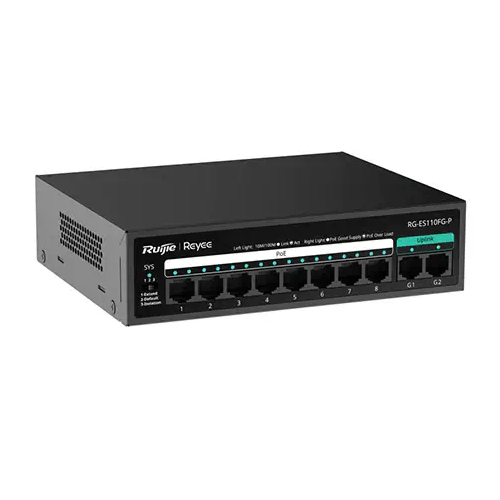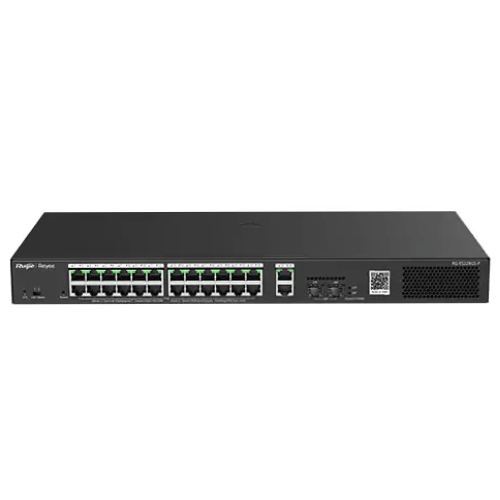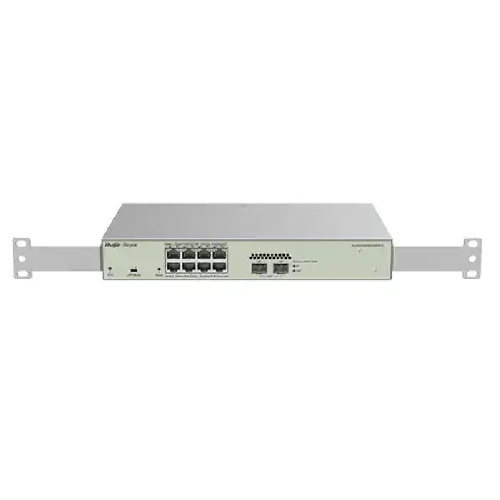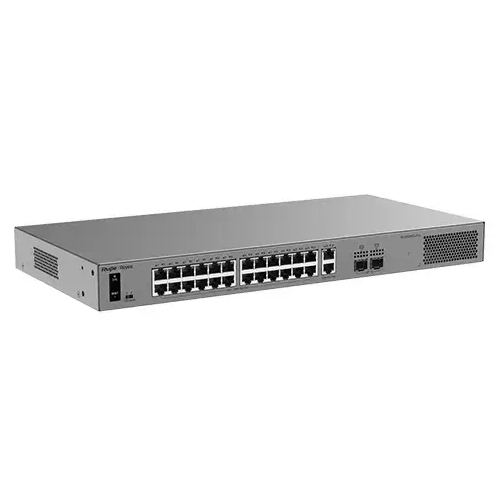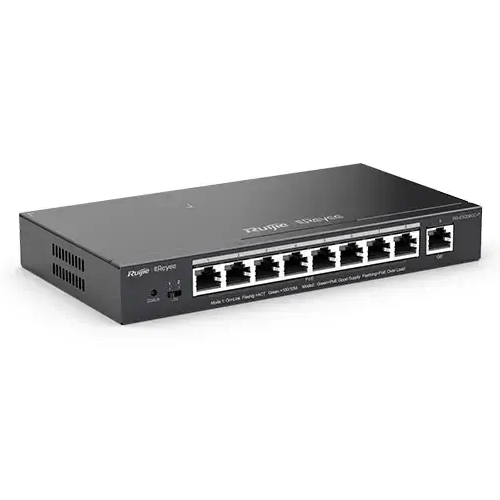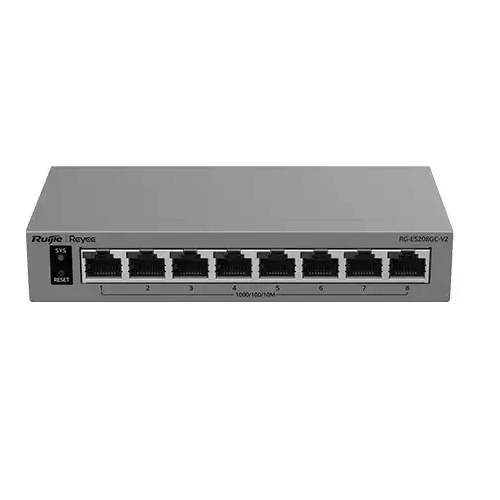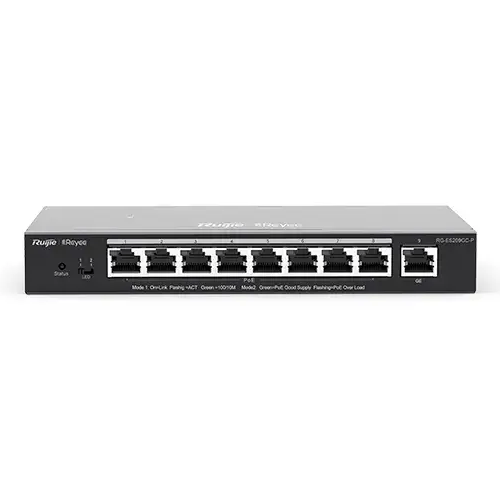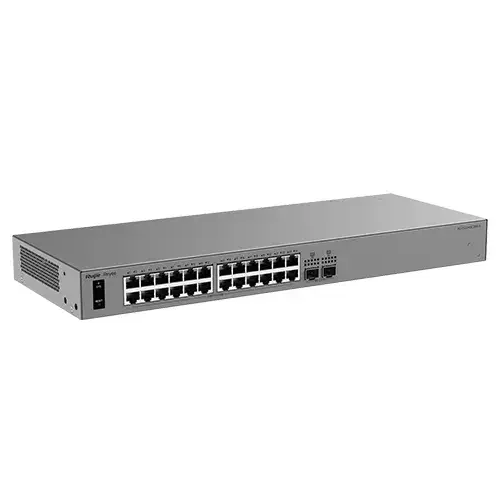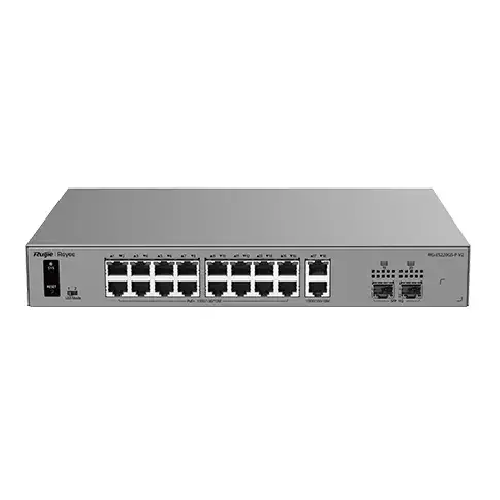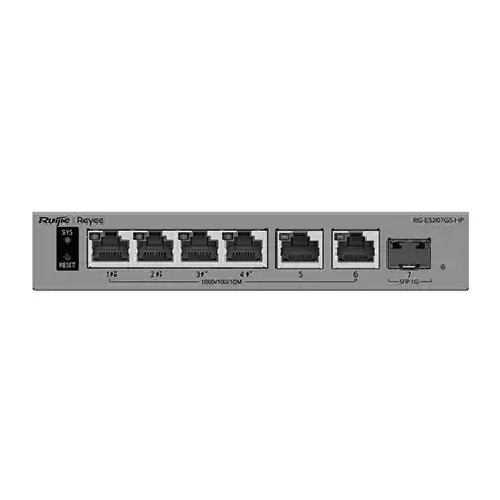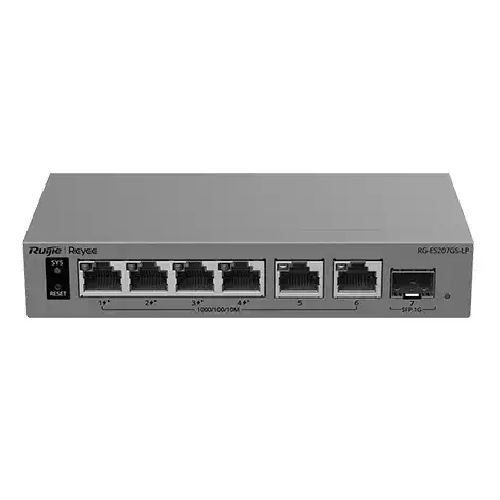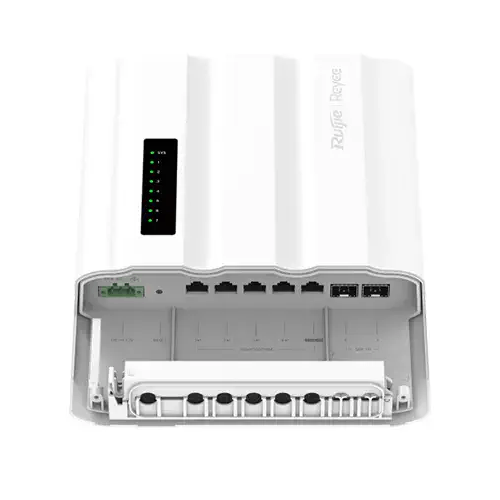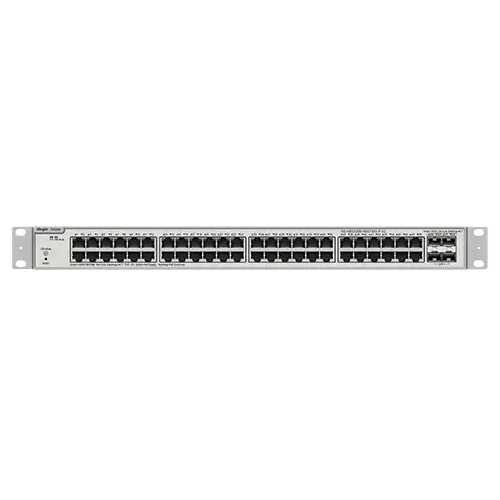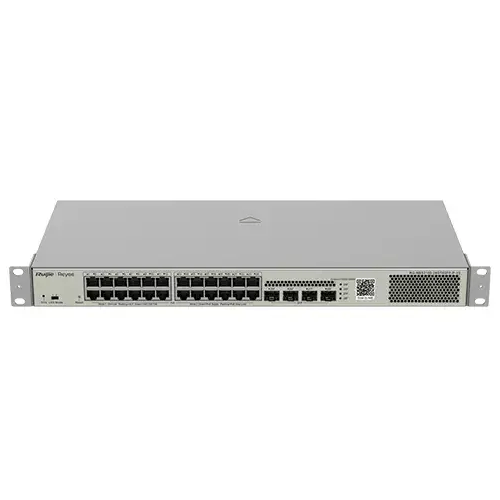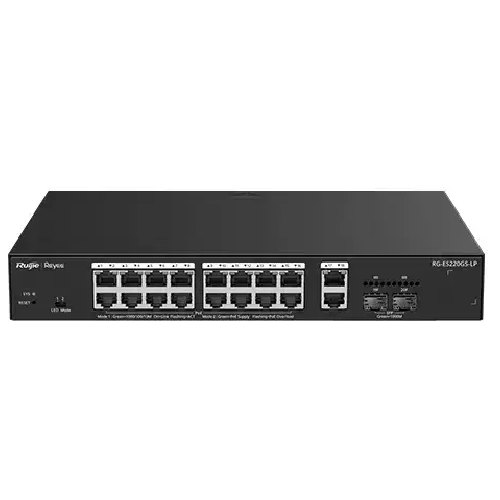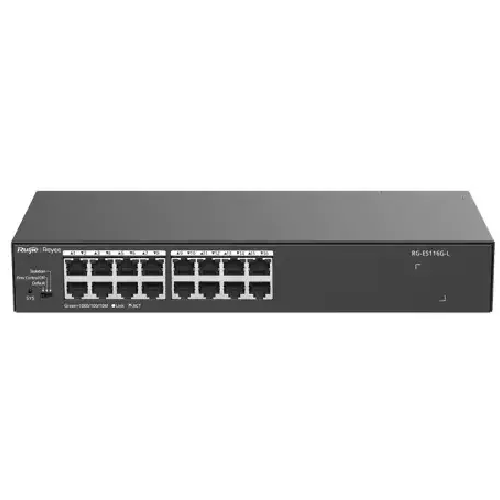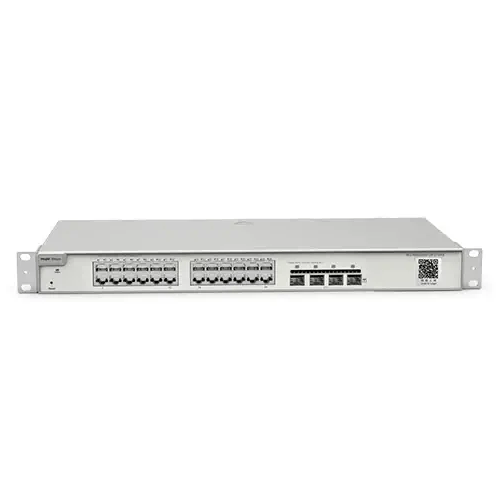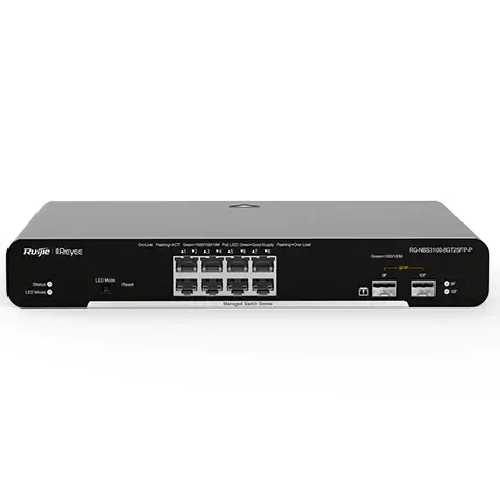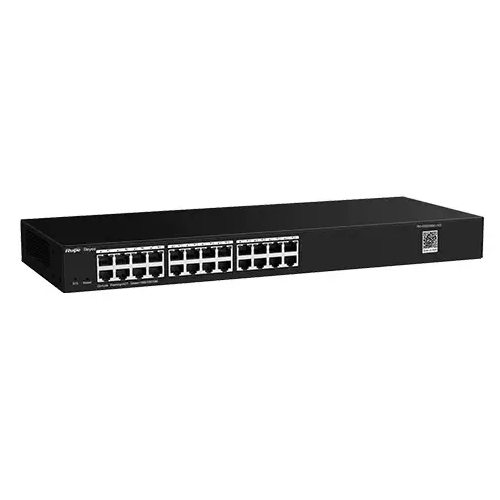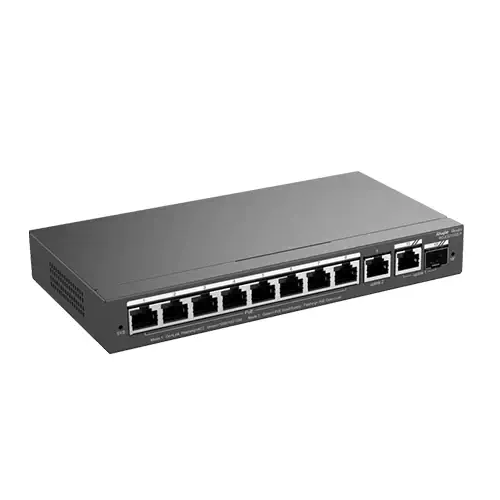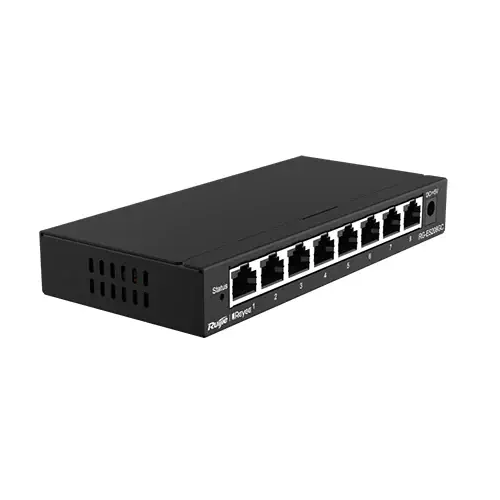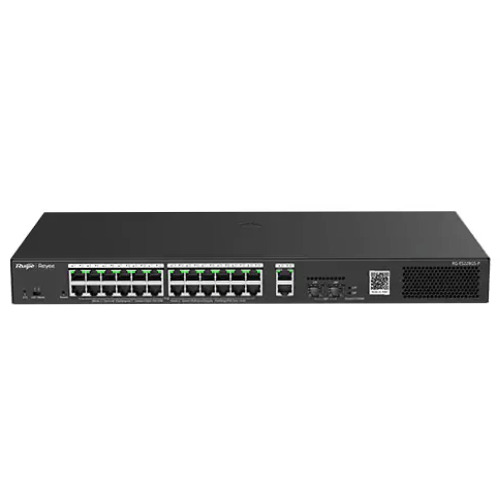
Ruijie RG-ES228GS-P 28-Port Gigabit Smart Cloud Managed PoE Switch
Regular Price:৳0.00Availability: SKU: 6.54.312.9599
Quick Overview
-
Support
Saturday – Thursday: 09 AM - 06 PM. -
Payment
Cash on Delivery | Card | Online Payment -
Shipping Cost
Inside Dhaka 100tk | Outside Dhaka 150tk -
Warranty Policy
Read More
Description
Ruijie RG-ES228GS-P 28-Port Gigabit Smart Cloud Managed PoE Switch in Bangladesh
As an office, shop, school, or business adds more network devices, the Ethernet ports on a router may no longer be enough. Computers, printers, cameras, access points, and other equipment can all need wired connections, while some devices may also need power over Ethernet. The Ruijie RG-ES228GS-P is described as a 28-port Gigabit smart cloud-managed PoE switch, bringing those network needs into one product category.
That description gives buyers a useful starting point: a substantial port count, Gigabit networking, PoE capability, and cloud-managed operation. However, the product title does not confirm the detailed port arrangement, which ports provide PoE, the supported PoE standards, total power budget, or the cloud-management features available. These details are important for planning an installation, so verify them in the current product documentation or with BME before choosing connected devices.
A switch expands wired network connections and forwards traffic between compatible devices. It does not replace the router that usually connects a local network to the internet, and it does not provide Wi-Fi by itself. The RG-ES228GS-P can be part of a wider setup that also includes a router, compatible network endpoints, suitable cabling, and—where needed—recording or backup power equipment.
28 ports for planned network expansion
The 28-port designation makes this model worth considering when a network needs connections for many devices in one location. A business may have workstations, printers, network cameras, and access points to connect. A school or training centre may need Ethernet links for computers and other equipment. In each case, a larger switch can provide a central place to organise network connections.
Before buying, make a device list and count the connections required today. Include the connection from the switch to the router or wider network in the plan, then consider whether the remaining ports will accommodate the endpoints. It is also sensible to allow for likely additions rather than planning the network around its current minimum.
The title identifies 28 ports, but does not describe the port-by-port layout or connector types. Check the official specifications before planning where devices will connect, particularly if your installation requires a certain type of uplink or connection. Do not assume that every port has the same role or PoE capability unless the documentation confirms it.
A simple port map can make a larger installation easier to manage. Label cables and record which device connects to each port. This is useful when adding equipment, tracing a cable, or checking a connection later—especially in a busy office or shared network cabinet.
Gigabit connectivity in everyday use
Gigabit Ethernet can provide a link speed of up to 1,000 Mbps when the connected devices, cabling, and network path support it. That makes a Gigabit switch a candidate for compatible computers, network equipment, and other devices that need a wired connection. The actual speed of a particular connection depends on the capabilities of the equipment at both ends and the cable used.
A Gigabit label does not mean that every connected device will operate at that speed. A slower network interface, cable, or device elsewhere in the path can limit a link. If a workstation, access point, or other endpoint has a specific speed requirement, check its documentation and make sure the planned connection meets it.
Local network speed and internet speed are also different. A switch can provide connections between devices on the local network, but it cannot increase the speed of an internet subscription. Online performance depends on the service plan, router, connected equipment, cabling, and other conditions in the network. Treat the switch as one element of a complete system rather than a standalone way to make every connection faster.
Smart cloud-managed operation
The smart cloud-managed description is relevant for organisations that want a switch to be part of a cloud-based network-management approach. Depending on the product’s supported platform and features, a cloud-managed switch may fit into a wider process for overseeing network equipment. The product title alone, however, does not confirm the platform, setup process, account requirements, or exact management functions of this model.
If your purchase depends on a particular capability—such as a specific management app, remote access, or a device-monitoring function—check that it is supported by the RG-ES228GS-P. Ask about setup requirements and compatibility with the management environment you intend to use. These checks are especially important when adding the switch to an existing business network.
Cloud management does not replace network planning. The switch still needs to be connected appropriately to the router or wider network, and the connected equipment needs to be identified and configured for its role. In a business, it is also helpful to decide who will administer network access and keep an up-to-date record of connected devices.
PoE for compatible network equipment
Power over Ethernet, or PoE, can carry network data and electrical power over a compatible Ethernet connection. In a suitable installation, that can make it easier to position devices such as IP cameras, access points, or IP phones where a separate power outlet is inconvenient.
The RG-ES228GS-P is identified as a PoE switch, but the title does not specify how many ports provide PoE, which standards are supported, or the total power budget. Those figures should not be guessed. Before connecting equipment, compare the switch’s confirmed PoE specifications with the power requirements of every endpoint.
PoE compatibility is not universal. The connected device must support a compatible power standard and be within the relevant power limits. A switch’s total PoE budget, where applicable, is shared across the devices using PoE; it should not be treated as an allowance for every port individually. If several cameras or access points will be powered at once, add their documented requirements and compare the total with the switch’s confirmed capacity.
Also check whether all ports have the same function. A product may have a specific port arrangement, but it should not be inferred from the model title. Confirm which connections provide PoE and how the ports are intended to be used before preparing a wiring plan.
A possible role in CCTV networks
For a CCTV installation, a suitable PoE switch can connect compatible IP cameras to the network and may simplify power arrangements at camera locations. The RG-ES228GS-P may be considered for a larger camera network, provided the confirmed port layout, PoE standards, and power budget match the cameras’ requirements.
The switch itself does not record video. A network video recorder, server, or other suitable system must receive and store footage. Remote viewing may also depend on the router, internet connection, recording equipment, and the configuration of the wider system. Planning these roles separately helps prevent confusion about what the switch can and cannot do.
Before choosing a switch for CCTV, list the cameras and check each one’s Ethernet speed and power requirements. Plan how the cameras connect to the switch and where their data goes. Also think about cable routes, the location of the recorder, and how the switch links to the rest of the network. This is more reliable than choosing only by port count.
Access points, phones, and other endpoints
A compatible PoE-enabled access point may receive data and power through an Ethernet cable when its requirements match the switch. This can be useful in an office, shop, or education space where an access point needs to be placed away from a convenient wall socket. The access point provides Wi-Fi; the switch supplies a wired network connection and, if confirmed as compatible, PoE.
Some IP phones and other network devices may also use PoE. Check the documentation for each endpoint, including its network speed and power requirements. Do not assume that a device will work with a particular port simply because both products support PoE in general.
The switch can also connect non-PoE devices that use a separate power supply. For each device, establish what it needs from the network and how it will receive power. This makes it easier to decide whether the switch’s confirmed features suit the full mix of equipment.
Use in Bangladesh offices and businesses
A Dhaka office, a Chattogram shop, or a training centre in another part of Bangladesh may have a mix of computers, printers, surveillance equipment, and access points. A 28-port switch can be considered where a network needs many wired connections in a central location. Whether this model is the right fit depends on its verified port allocation, PoE support, and management features.
In a business, a clear cabling plan can be as important as the switch itself. Decide where the switch will sit, map how cables reach each device, and label both ends of important runs. This makes future changes easier and can help staff identify connections during routine troubleshooting.
For a retail setting, Ethernet devices may include back-office computers, printers, network cameras, and other business equipment. A school or training centre might have workstations and network devices distributed across teaching and administration areas. Check that the number and type of connections match the proposed layout, and confirm any special requirements before ordering.
Home networking, work, and study
A large home network can include computers, smart televisions, game consoles, network storage, cameras, and access points. If several devices need wired connections, a 28-port switch may offer more capacity than a typical home network requires—but it can be relevant where there are many endpoints or a plan to connect several areas of the home.
Wired connections can suit stationary devices used for work, study, or entertainment. The switch can provide network connectivity for compatible equipment, but it does not guarantee a faster internet subscription, lower gaming latency, or uninterrupted video calls. Those outcomes depend on the router, service plan, devices, network traffic, and the online service being used.
A switch does not create Wi-Fi coverage. If a room needs wireless access, a compatible router or access point is needed. If that access point requires PoE, check its requirements against the switch’s confirmed capabilities before relying on Ethernet for power.
Power continuity and load shedding
The switch does not provide backup power. If the network needs to keep operating during load shedding, plan a suitable backup arrangement for the switch and the essential equipment connected to it. Depending on the installation, that may include a router, modem, access points, and CCTV recorder as well as the switch.
Size any backup solution according to the equipment’s actual power requirements and the runtime needed. A backup system connected only to the switch may not keep the network usable if the router or other essential devices have lost power. Check the electrical requirements on the product label or in current documentation before connecting it to a local supply or backup system.
Do not assume voltage compatibility from the model name. If you are unsure about the electrical setup, seek appropriate technical guidance and follow the product documentation.
Installation, compatibility, and care
Before installation, decide how the switch will connect to the existing network and where each endpoint will be placed. Check the product documentation for the port layout, installation requirements, dimensions, and any mounting information relevant to your site. These details can matter when the equipment must fit into a particular cabinet or network area.
Choose a dry, accessible location and allow enough room to arrange the cables without pulling, crushing, or sharply bending them. Keep the device away from moisture, excessive heat, and heavy dust. If it will be placed in a cabinet, make sure the space is appropriate for network equipment and remains accessible for checking connections.
For everyday care, keep cables labelled and inspect connections if a device loses network access. Confirm that the endpoint has power, check the Ethernet cable, and verify the connection to the router or wider network. Follow the manufacturer’s guidance for model-specific setup and maintenance.
Is the RG-ES228GS-P the right choice?
The Ruijie RG-ES228GS-P is worth considering when a network needs a large number of Gigabit connections, PoE capability, and a smart cloud-managed approach. The best fit depends on details not supplied in the product title: port allocation, PoE standards and budget, and the exact management features.
Start with a list of connected devices, their network speeds, and their power requirements. Then compare those needs with the confirmed product specifications. If the network requires particular cloud-management functions, verify those too. This practical check helps ensure that the switch suits your installation rather than merely matching its port count.
✅ Key Features
- 28-Port Capacity: Provide a central connection point for a larger number of wired network devices.
- Gigabit Switch Category: Support Gigabit networking when connected devices, cabling, and the wider network are compatible.
- PoE Capability: Connect compatible PoE equipment after confirming supported standards, port allocation, and power budget.
- Smart Cloud-Managed Design: Consider a cloud-management approach after checking the supported platform and features.
- Network Expansion: Add wired connectivity when the existing network needs more switch ports.
- CCTV Network Potential: Use it in a suitable IP camera setup when the cameras’ requirements match the switch.
- Access-Point Connectivity: Connect compatible access points and verify their Ethernet and power requirements.
- Business Network Flexibility: Consider it for suitable office, retail, education, or service-network layouts.
- Centralised Cabling: Bring network connections together and document which device uses each port.
- Compatibility-Led Planning: Check the detailed specifications before finalising connected devices and network topology.
✅ Usage / Applications
- Office networks: Connect suitable computers, printers, and other wired business equipment.
- CCTV installations: Link compatible IP cameras and network recorders, subject to confirmed PoE requirements.
- Wireless access points: Connect compatible access points and check whether the switch can meet their power needs.
- Retail environments: Organise wired connections for suitable business and network equipment.
- Education spaces: Support compatible network devices in schools, training centres, and classrooms.
- Large home networks: Add wired connections for compatible devices in a suitably planned home setup.
- Business network expansion: Bring multiple endpoints together at a central switching point.
- Cloud-managed deployments: Consider it where the confirmed management platform fits the organisation’s network approach.
✅ Benefits of This Product?
- More Network Ports: Provide 28 ports for a network that needs many wired connections.
- Gigabit-Capable Networking: Support compatible Gigabit links when the complete connection path allows them.
- PoE Potential: Simplify power arrangements for compatible endpoints if the switch’s confirmed specifications meet their needs.
- Cloud-Management Option: Consider a cloud-managed approach for suitable network administration requirements.
- Centralised Connections: Organise wired equipment around one planned switching point.
- Flexible Business Use: Consider it for appropriate office, retail, education, and CCTV networks.
- Clearer Installation Planning: A device list and port map help make network connections easier to track.
- Fewer Compatibility Surprises: Checking port roles, PoE needs, and management requirements before purchase helps align the switch with the installation.
✅ Ideal For
The Ruijie RG-ES228GS-P may suit businesses, schools, shops, CCTV installers, and IT teams in Bangladesh that need many wired connections and are considering a Gigabit smart cloud-managed PoE switch. It may also be relevant to a larger home network with multiple Ethernet devices and compatible PoE equipment. Its 28-port capacity makes it worth evaluating for a network that has outgrown the connections available on a router or smaller switch.
This model is a better match when its confirmed port layout, PoE capability, and cloud-management functions align with the devices and administration plan. Buyers should verify the number of PoE ports, supported standards, total power budget, and management platform before ordering. If the network needs only a few basic ports, does not require PoE, or depends on a specific cloud feature, compare the project requirements with the full product documentation. A careful match is more important than choosing a switch based on port count alone.
✅ Why Choose the Ruijie RG-ES228GS-P?
The Ruijie RG-ES228GS-P combines a 28-port layout with Gigabit networking, PoE capability, and smart cloud-managed positioning. For a suitable business or institutional network, that combination can bring connectivity and device-power planning into one switch selection. It is worth considering when there are many endpoints and the organisation wants to explore a cloud-managed network approach.
PoE can be useful when compatible cameras, access points, or phones need power over Ethernet. Gigabit connectivity can support suitable network links, while the larger port count gives a network more connections to plan around. However, these benefits depend on details that should be verified before purchase: which ports provide PoE, the supported standards and total power budget, and the exact cloud-management features.
This model is not automatically a better choice than a smaller or simpler switch. A site with few devices may not need 28 ports. A network that requires a particular management control should confirm that it is available on this model. And a PoE installation should be designed around the actual power requirements of its endpoints, not just the label “PoE.”
Ruijie is the brand identified for this network switch, but the right reason to choose the RG-ES228GS-P is that its verified capabilities match your network. If they do, it can be a considered option for expanding a wired setup. If they do not, compare alternatives before ordering.
✅ Why Buy This Product from BME?
Business Machine & Equipment (BME) serves customers in Bangladesh looking for business and technology products. If you are considering the Ruijie RG-ES228GS-P, contact BME with a short description of your network, including the number of devices, which ones need PoE, and whether you have a particular cloud-management requirement. These details can help you focus on the specifications that matter to your project.
Before placing an order, confirm the exact model, current availability, price, included items, applicable warranty terms, and delivery arrangements with BME. These details can vary by listing or order, so check them for the specific unit rather than assuming they are the same as another Ruijie product. If product documentation or sourcing information is important to your organisation, ask BME what information is available.
Business and institutional buyers can ask about quotation and procurement-documentation requirements. If you need installation or configuration, confirm separately whether a relevant service is available and what it includes. This helps you set clear expectations about the product and purchase process without assuming an unconfirmed service, warranty, or delivery commitment.
✅ Buying Guide
1. Count your network devices: List every computer, camera, access point, phone, printer, and other Ethernet device. Include the connection needed to link the switch to the wider network when planning port use.
2. Check the port layout: The title confirms 28 ports but does not describe their type or individual roles. Verify the exact port arrangement in the current product documentation before planning connections.
3. Identify PoE endpoints: Mark which devices need power over Ethernet. Confirm how many ports support PoE, which standards are available, and the total power budget before selecting compatible cameras or access points.
4. Match speed requirements: Check the network needs of each connected device. Gigabit performance depends on the endpoint, cabling, and the rest of the network supporting the required speed.
5. Confirm cloud-management needs: If your organisation needs a particular cloud platform, app, or management function, check that the RG-ES228GS-P supports it. Ask about setup and account requirements if relevant.
6. Plan the network topology: Decide where the switch will connect to the router or existing network and how each device will connect. Follow the product documentation and avoid creating unintended network loops.
7. Review device power: PoE devices must be compatible with the switch’s confirmed standards and power limits. Non-PoE equipment will need its own suitable power source.
8. Plan the installation location: Check the switch’s dimensions and placement guidance before selecting a shelf or cabinet. Leave room for cables, access to ports, and appropriate ventilation.
9. Consider load shedding: If network service must continue during a power interruption, plan suitable backup power for the switch and the other essential equipment, such as the router and recorder. Confirm electrical requirements from the product label or official documentation.
10. Avoid common mistakes: Do not assume every port provides PoE, that all ports have the same role, or that cloud-managed switches share identical features. Verify the specifications against your actual device list.
11. Confirm the order details: Before buying from BME, check the exact model, current availability, included items, applicable warranty terms, and delivery arrangements for your area.
✅ Customers Ask About / Frequently Asked Questions
Q: What is the Ruijie RG-ES228GS-P?
A: It is described as a 28-port Gigabit smart cloud-managed PoE switch.
Q: How many of its ports provide PoE?
A: The product title does not specify the PoE port allocation. Check the current product documentation or confirm with BME before planning a deployment.
Q: Which PoE standards and power budget does it support?
A: Those details are not included in the provided title. Verify the supported standards and total power budget before connecting powered devices.
Q: Can I use it for IP cameras or access points?
A: It may suit compatible devices, provided their Ethernet and PoE requirements match the switch’s confirmed specifications. A separate recorder is needed to store CCTV footage.
Q: Does it provide Wi-Fi or internet access by itself?
A: No. A switch provides network connections. A router typically handles internet access, and an access point provides Wi-Fi.
Q: What cloud-management features does it have?
A: The title identifies it as smart cloud managed but does not list the platform or functions. Confirm the supported environment and setup requirements before purchase.
Q: Is it suitable for Bangladesh’s electrical supply?
A: Check the unit label or current manufacturer documentation for its electrical input requirements. Do not assume a voltage range from the model name alone.
Q: Will it keep running during load shedding?
A: Only if it and the other essential network equipment receive suitable backup power. Plan for the combined load and the runtime required.
Q: How do I set it up?
A: Plan its connection to the router or wider network, connect compatible devices according to the port layout, and follow the manufacturer’s instructions for cloud management.
Q: How is this model different from a non-PoE or unmanaged switch?
A: The title identifies this model as PoE and smart cloud managed. Compare the exact port layout, power budget, and management features with the specifications of any alternative.
Q: What are the warranty and delivery arrangements?
A: These depend on the current listing and order. Confirm the applicable warranty and delivery details with BME before purchasing.
Q: How should I maintain it?
A: Keep the switch in a dry, accessible location, protect it from heavy dust and moisture, and avoid pulling or sharply bending Ethernet cables. Follow model-specific product guidance.
✅ Why Buy This Product
If your network needs many wired connections and you are considering Gigabit connectivity, PoE, and cloud-managed operation, the Ruijie RG-ES228GS-P is worth evaluating. Its 28-port capacity may suit a business, education, retail, or CCTV network when the connected devices and network plan align with its verified specifications.
Before you order, confirm the port layout, PoE standards and budget, and cloud-management features. Check that the switch can support your planned endpoints and that any PoE devices are compatible. If those details match your requirements, the model can provide a central connection point for a suitably planned network.
Contact Business Machine & Equipment (BME) to confirm current product details and purchase terms. Order the Ruijie RG-ES228GS-P when its documented capabilities fit your installation and network needs.
What is the price of Ruijie RG-ES228GS-P 28-Port Gigabit Smart Cloud Managed PoE Switch in Bangladesh?
Write a review
Question Answer
Have question about this product? Get specific details about this product from expert.