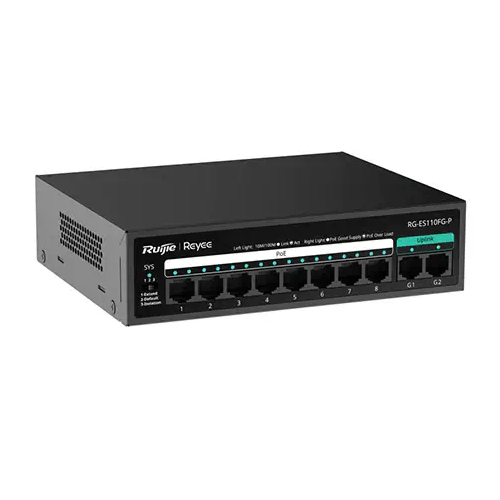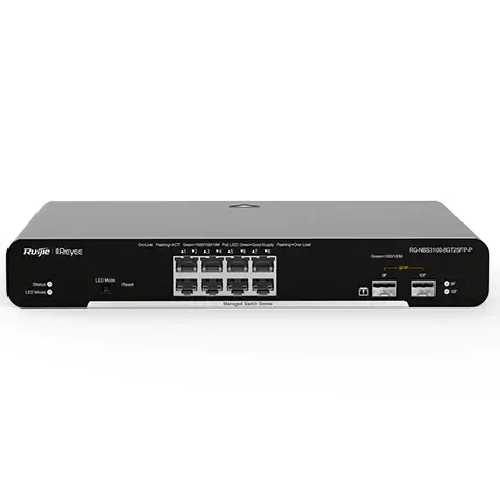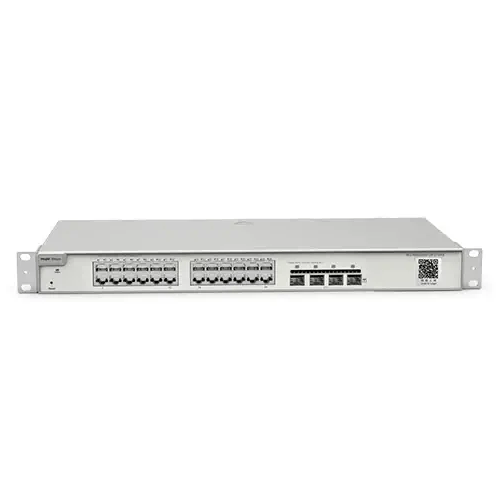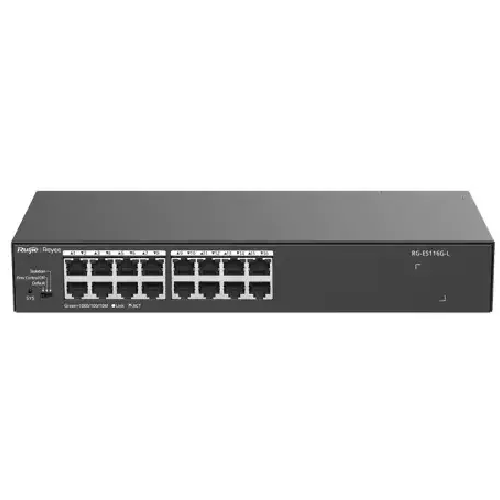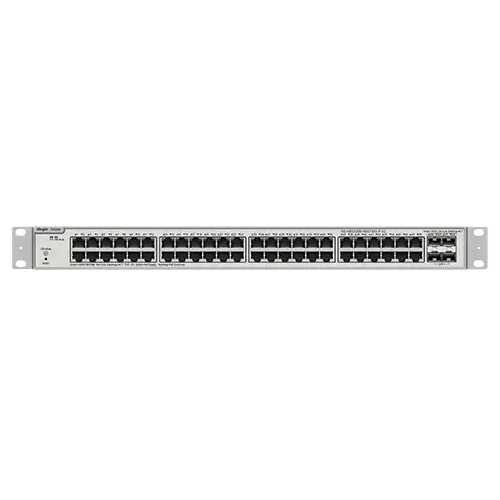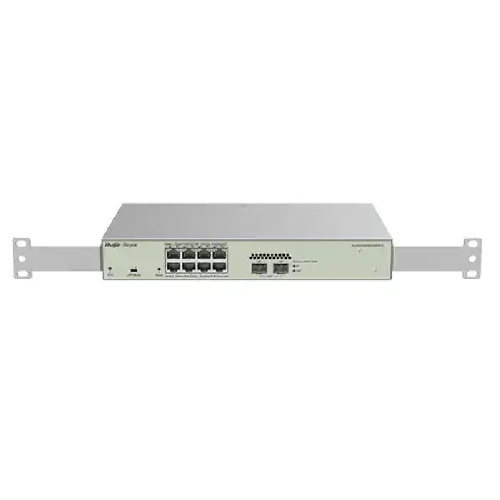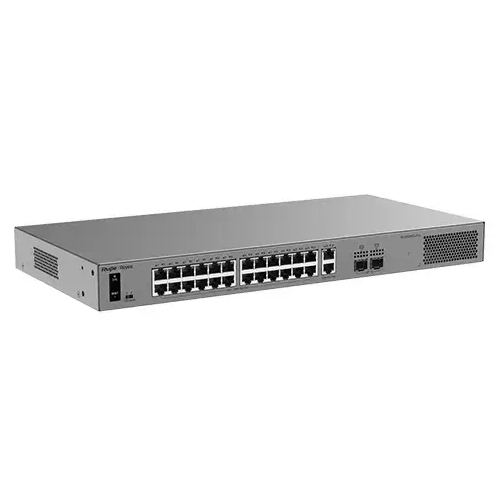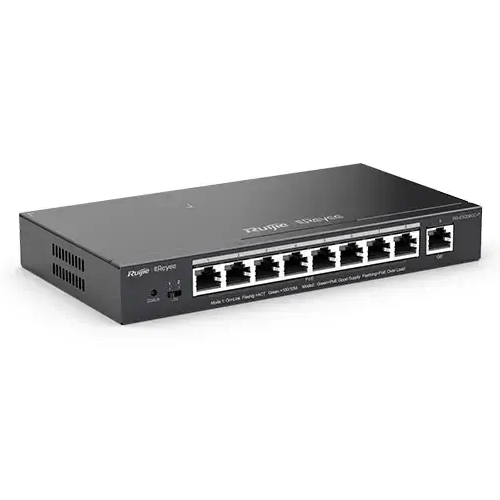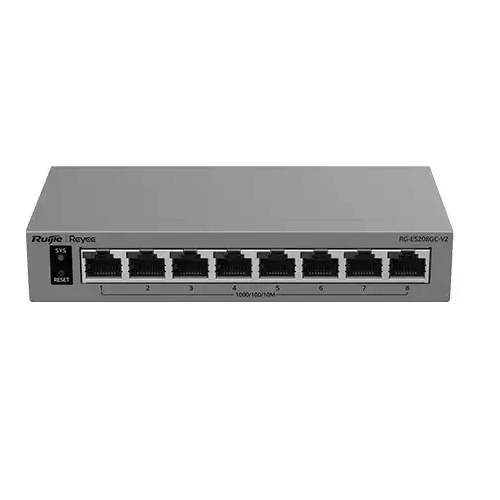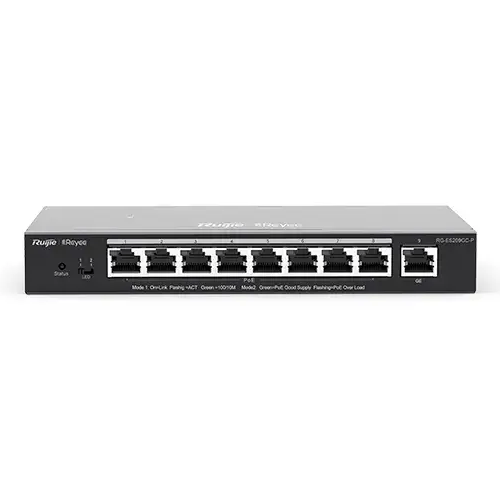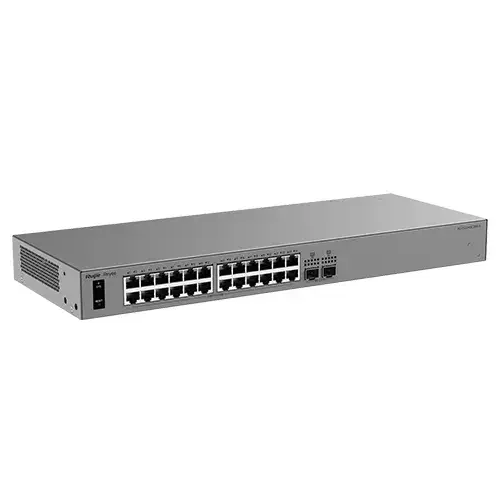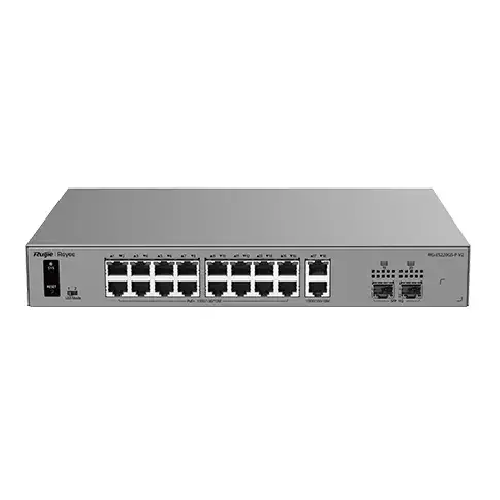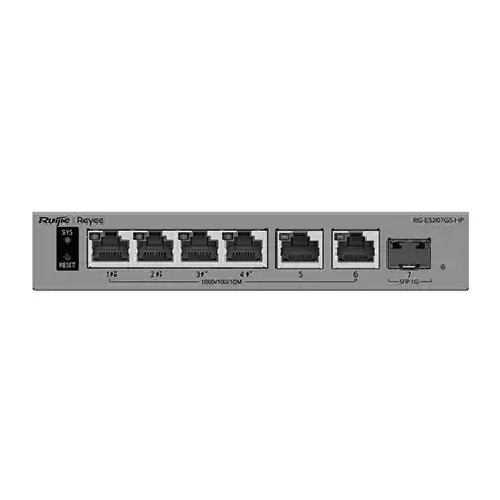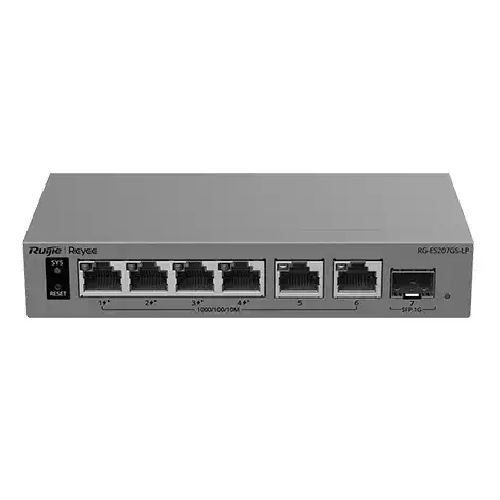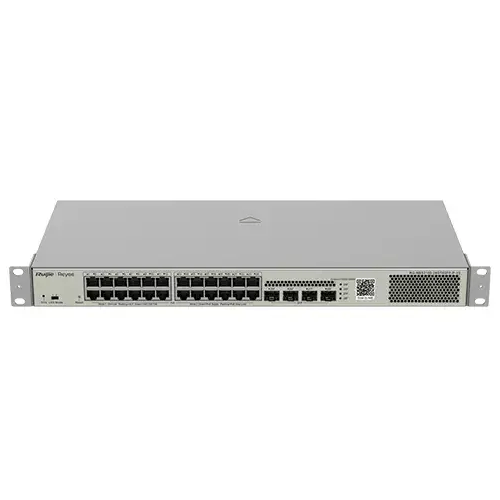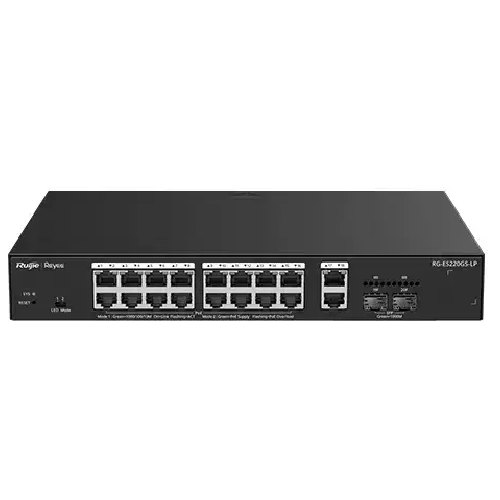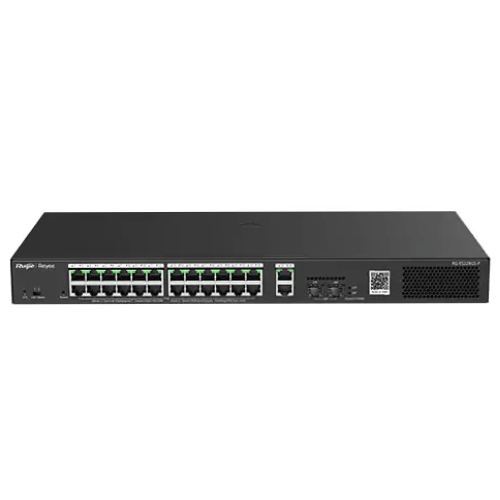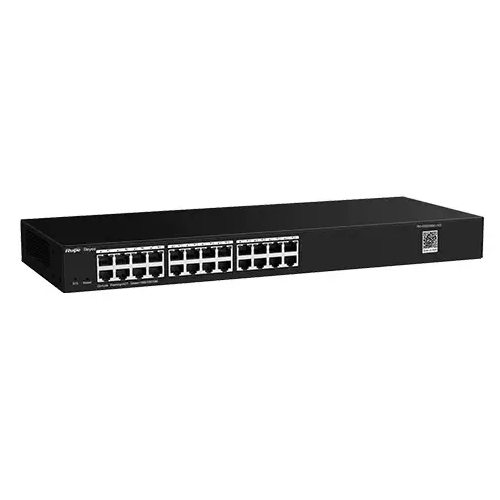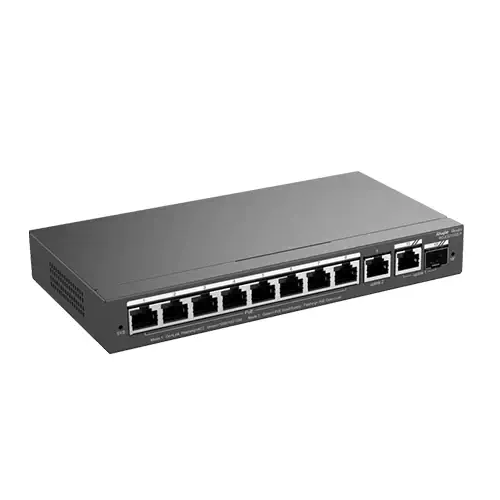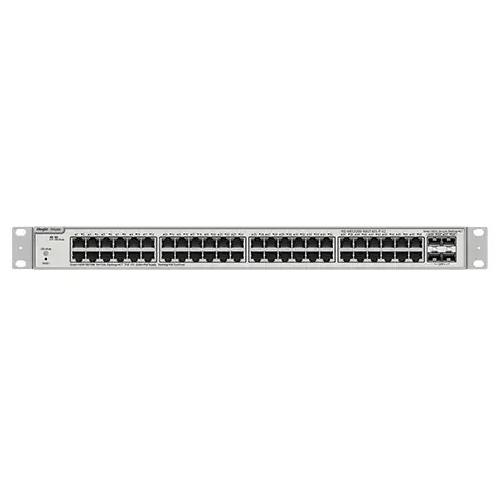
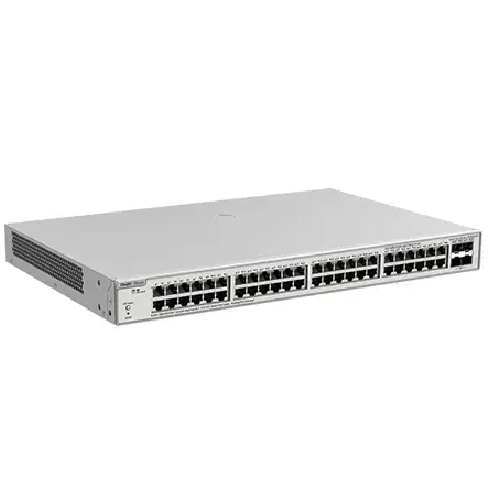
Ruijie Reyee RG-NBS3200-48GT4XS-P-V2 48-Port Gigabit Cloud Managed PoE Switch
Regular Price:৳0.00Availability: SKU: 6.54.312.9605
Quick Overview
-
Support
Saturday – Thursday: 09 AM - 06 PM. -
Payment
Cash on Delivery | Card | Online Payment -
Shipping Cost
Inside Dhaka 100tk | Outside Dhaka 150tk -
Warranty Policy
Read More
Description
Ruijie Reyee RG-NBS3200-48GT4XS-P-V2 48-Port Gigabit Cloud Managed PoE Switch in Bangladesh
When an office, school, shop, or business grows, its network usually grows with it. More computers, cameras, access points, phones, and other equipment may need wired connections. The Ruijie Reyee RG-NBS3200-48GT4XS-P-V2 is described as a 48-port Gigabit cloud-managed PoE switch, making it a product to consider for a larger network that needs substantial wired capacity and PoE capability.
The product title confirms its port count, Gigabit category, cloud-managed description, and PoE capability. It does not specify the detailed port layout, which ports supply PoE, the supported PoE standards, or the total power budget. Those details matter when choosing devices and planning the installation, so check the current product documentation or confirm them with BME before ordering.
A switch is one part of a network, not a replacement for the whole system. It provides wired connections for compatible devices. A router generally handles routing and internet access, wireless access points provide Wi-Fi, and a recorder or server may store CCTV footage. Understanding these separate roles helps you plan the network around what each device is actually designed to do.
48 ports for a planned wired network
The 48-port capacity makes this model worth evaluating when a network has many Ethernet-connected devices. An organisation might need wired links for staff computers, shared printers, cameras, access points, or other network equipment. A larger connection point can help bring those devices together in a planned layout rather than adding small switches without a clear structure.
Begin by making a list of the devices you need to connect. Include the switch’s connection to the router or wider network as part of your plan, and check the model documentation to confirm the role of each port. The product title gives the total port count but does not detail the interface layout or identify specific port functions.
A port map is useful once equipment is installed. Record which device connects to each port and label cables where practical. This helps an IT team, installer, or office administrator trace a connection when equipment is moved or a fault needs investigating. It also makes future changes easier to plan.
Gigabit connections in everyday use
The RG-NBS3200-48GT4XS-P-V2 is identified as a Gigabit switch. Gigabit Ethernet can support link speeds of up to 1,000 Mbps when the connected device, cabling, and equipment at the other end of the connection also support that speed. This can suit compatible computers and other network equipment that benefits from a wired connection.
The switch’s category does not mean every connected device will operate at Gigabit speed. A slower network interface, unsuitable cable, or other limitation elsewhere in the connection can reduce the speed of a particular link. Check endpoint specifications and use suitable cabling for the intended network.
It is also useful to separate local network speed from internet speed. The switch can connect devices within a local network, but it cannot increase the speed of an internet subscription. Online performance depends on the service plan, router, connected equipment, cabling, and other network conditions. Gigabit capability is one part of the setup, not a promise of a particular internet speed.
PoE capability and device planning
Power over Ethernet, or PoE, can deliver network data and power over a compatible Ethernet connection. For devices that support a matching PoE standard, this can simplify power arrangements at the endpoint. It may be useful when a camera, access point, or other supported device needs to be placed where a separate power socket is inconvenient.
The product title identifies the Ruijie Reyee RG-NBS3200-48GT4XS-P-V2 as a PoE switch, but it does not state how many ports provide PoE, which standards are supported, or the total power budget. Do not assume that every port supplies PoE or that the switch can power any PoE device. Confirm these specifications and compare them with the requirements of each endpoint.
For a setup with multiple PoE devices, check their individual power requirements and consider the combined demand against the switch’s documented total budget. The total budget is not automatically available as a separate allowance on every port. Confirming the details in advance helps avoid planning a network around an unverified power capacity.
Devices that do not use PoE still need a suitable power source. When combining equipment from different manufacturers, check the specifications of both the switch and endpoint instead of relying on the PoE label alone.
Cloud-managed operation
The cloud-managed description may suit organisations that want their network equipment to be administered through a supported cloud environment. That can be relevant to an IT team or business that wants a defined way to oversee switching equipment as part of its wider network operations.
The product title does not name the supported platform, setup process, account requirements, or specific management functions. If your network depends on a particular app, remote-access option, monitoring tool, or configuration capability, verify that the RG-NBS3200-48GT4XS-P-V2 supports it. Cloud-managed products can differ, so check the features of this exact model rather than assuming they are standard across a brand or product range.
Cloud management does not remove the need for a network plan. Someone still needs to decide how the switch connects to the wider network, which devices use its ports, and who is responsible for managing the equipment. Keeping an inventory of connected devices and maintaining access details appropriately can support a more organised administration process.
A possible role in CCTV networks
A compatible PoE switch can connect IP cameras to a wired network and may simplify power arrangements at camera locations. The Ruijie Reyee RG-NBS3200-48GT4XS-P-V2 may be considered for a CCTV installation if its confirmed PoE port allocation, standards, and total power budget match the planned cameras.
The switch itself does not record video. A network video recorder, server, or other suitable system is needed to receive and store footage. Remote viewing may also depend on the router, internet connection, recording equipment, and the configuration of the complete CCTV system.
Before choosing a switch for surveillance, list the cameras and check their network and power requirements. Plan where the cameras, switch, recorder, and router will be located, then review the cable routes between them. This helps determine whether the switch’s confirmed specifications suit the installation, rather than relying on port count alone.
Connecting access points and other network devices
A compatible PoE-enabled access point may receive data and power through one Ethernet connection, provided its requirements match the switch’s documented capabilities. This can be helpful when an access point needs to be positioned away from a convenient power outlet. The access point provides Wi-Fi; the switch provides the wired connection to the network.
Check the access point’s network speed and power requirements before planning its connection. Some devices may require capabilities that are not confirmed by the product title. The same applies to IP phones and other network endpoints that may use PoE. Verify each device’s standard and power needs against the switch specifications.
The switch can also connect equipment that has its own power source, such as computers or printers. For each endpoint, note its network requirements, power arrangement, and intended location. This makes it easier to check the full installation for compatibility.
For offices and businesses in Bangladesh
An office in Dhaka, a shop in Chattogram, or a training centre elsewhere in Bangladesh may need network connections for many different devices. A 48-port switch can be relevant when an organisation needs a large number of wired connections and wants to consider PoE and cloud-managed operation. Whether this model fits depends on its verified features and the organisation’s network design.
In a workplace, a planned cable layout can make routine support less confusing. Decide where the switch will be located, map connections to each device, and label cables at both ends where practical. If someone needs to move a workstation or check a network connection later, a clear record can help them understand the layout.
Retail and service environments may have computers, printers, cameras, and access points. Education settings may have network equipment spread across work areas, teaching rooms, or administrative spaces. Before installation, consider how the switch will connect to the existing network and whether the available ports and PoE capabilities match the equipment being used.
Home, work, and study networks
A large home network may include computers, televisions, game consoles, printers, cameras, storage devices, and wireless access points. The RG-NBS3200-48GT4XS-P-V2 may be considered when many devices need wired connections and compatible endpoints may benefit from PoE. For a home with only a few Ethernet devices, a smaller switch may be a more practical choice.
A wired network connection can be useful for stationary devices used for remote work, online classes, or entertainment. The switch can provide connectivity for compatible equipment, but it does not guarantee faster internet, lower gaming latency, or uninterrupted video calls. Those experiences depend on the router, internet service, endpoints, network traffic, and online service.
The switch does not provide Wi-Fi by itself. A compatible router or access point is needed for wireless coverage. If an access point requires PoE, check its requirements against the switch’s confirmed PoE specifications before relying on Ethernet for power.
Power continuity and load shedding
The switch does not provide backup power. If network service needs to continue during load shedding, plan suitable backup power for the switch and other essential equipment, such as the router, modem, access points, or CCTV recorder. Supplying backup power to the switch alone may not keep the complete network operating if other key devices are without power.
Choose a backup arrangement according to the combined requirements of the equipment and the runtime needed. Check the switch’s electrical input requirements on its rating label or in current product documentation before connecting it to a local supply or backup system. Do not infer a voltage range from the model name.
If you are unsure about the electrical setup, seek appropriate technical guidance and follow the manufacturer’s instructions. A planned power arrangement is particularly useful when cameras or business systems need to remain available during an interruption.
Installation, compatibility, and care
Before installation, decide how the switch will connect to the router or existing network and make a port plan for the connected devices. Check the current product documentation for the detailed port arrangement, installation guidance, physical dimensions, and electrical requirements. These details are important if the switch must fit a particular cabinet or connect to specific network equipment.
Choose a dry, accessible location with room to connect and inspect cables. Avoid placing network equipment where it may be exposed to moisture, excessive heat, or heavy dust. Route cables so they are not crushed, pulled tightly, or sharply bent.
For general care, keep a record of important connections and check the power source and Ethernet cable if a device loses network access. Follow the product documentation for model-specific setup and maintenance. If several switches are involved, plan their connections carefully and avoid creating unintended network loops.
Choosing the right switch for your needs
The Ruijie Reyee RG-NBS3200-48GT4XS-P-V2 is worth evaluating when a network needs 48 ports, Gigabit connectivity, cloud-managed operation, and PoE capability. Those confirmed categories provide a starting point, but the exact port layout, PoE specifications, and cloud features still need to be checked.
Start with a device list that includes the number of wired connections, each device’s speed requirements, and which endpoints need PoE. Then confirm the relevant model specifications and consider whether cloud management fits the way your network is administered. If a feature is essential, verify it before purchase rather than inferring it from the product name.
✅ Key Features
- 48-Port Capacity: Provides a substantial number of ports for a suitably planned wired network.
- Gigabit Networking: Supports Gigabit-capable links when connected equipment and cabling are compatible.
- Cloud-Managed Design: Offers a cloud-managed approach; confirm the supported platform and functions for this model.
- PoE Capability: Can support compatible PoE devices when their requirements match the switch’s documented specifications.
- Business Network Expansion: Can be considered where a network needs many wired connections.
- CCTV Network Potential: May suit compatible IP cameras after checking PoE standards and power budget.
- Access-Point Connectivity: Can connect suitable access points when their network and power requirements are met.
- Structured Port Planning: A port map can help organise connections and support future changes.
- Flexible Network Use: Consider it for appropriate business, education, retail, and larger home networks.
- Compatibility-Led Selection: Checking the detailed specifications helps match the switch to the intended installation.
✅ Usage / Applications
- Connecting compatible computers, printers, and network equipment in a business.
- Expanding wired connectivity in an office or multi-device workplace.
- Linking compatible IP cameras to a planned CCTV network.
- Connecting suitable PoE-enabled access points.
- Supporting wired connections in schools, training centres, and other education spaces.
- Organising network connections in shops and service businesses.
- Expanding a larger home network with compatible Ethernet devices.
- Bringing multiple network endpoints together at a central switching point.
✅ Benefits of This Product?
- More Wired Connections: The 48-port capacity can suit a network with many Ethernet endpoints.
- Gigabit-Capable Links: Supports compatible Gigabit connections across a suitably planned network.
- PoE Potential: May simplify power arrangements for compatible devices when specifications match.
- Cloud-Management Option: Can be considered for a network using supported cloud-management tools.
- Centralised Network Layout: Bring multiple connections together and document them from one place.
- Flexible Business Use: Consider it for appropriate office, retail, education, or CCTV installations.
- Clearer Installation Planning: Device lists and cable labels help make network changes easier to follow.
- Better-Informed Selection: Confirming port roles and power requirements helps avoid compatibility surprises.
✅ Ideal For
The Ruijie Reyee RG-NBS3200-48GT4XS-P-V2 may suit businesses, schools, offices, shops, and network teams in Bangladesh that need a large number of wired connections. Its 48-port Gigabit, cloud-managed, and PoE descriptions make it worth evaluating for networks with multiple computers, cameras, access points, or other compatible equipment.
It is most appropriate when the detailed port layout, PoE capabilities, and cloud-management features match the project. Before purchasing, confirm the number of PoE-capable ports, supported standards, total power budget, and the management platform available for this model. If the network depends on a specific function, verify that it is supported rather than assuming it is included. A device list and a simple network diagram can help determine whether this switch is a better fit than a smaller or differently configured alternative.
✅ Why Choose the Ruijie Reyee RG-NBS3200-48GT4XS-P-V2?
The Ruijie Reyee RG-NBS3200-48GT4XS-P-V2 combines a 48-port format with Gigabit networking, cloud-managed operation, and PoE capability. For a business or organisation that needs many wired connections, this combination makes the model worth comparing with smaller switches or non-PoE alternatives.
PoE may help simplify power arrangements for compatible devices. Gigabit connectivity can serve endpoints and cabling that support it, while cloud management may fit a network that uses a compatible management platform. These are useful reasons to consider the switch, but they do not confirm a particular PoE capacity, app, remote-management function, or performance result.
The product title does not specify which ports support PoE, the supported power standards, or the total power budget. It also does not list the cloud platform or detailed management functions. Those details should guide your decision if the switch will power several cameras or access points, or if your IT team relies on a particular network-management feature.
A 48-port switch may be more than a small home network needs. A simpler model could be a better match for fewer devices, while a different switch may suit a project with specific requirements that this model does not meet. Choose this Ruijie Reyee switch when its verified specifications align with your device list, power needs, and network plan.
✅ Why Buy This Product from BME?
Business Machine & Equipment (BME) serves customers in Bangladesh looking for business and technology products. If you are considering the Ruijie Reyee RG-NBS3200-48GT4XS-P-V2, share your planned use with BME: how many devices need connections, which endpoints require PoE, and whether you rely on a particular cloud-management function. This can help focus your questions on the specifications that matter.
Before placing an order, confirm the exact model, current availability, price, included items, applicable warranty terms, and delivery arrangements with BME. These details can vary by listing or order, so check the information for the specific unit rather than assuming it matches another model. If product documentation or sourcing information is important to your organisation, ask BME what information is available.
Business and institutional buyers can also enquire about quotations and procurement documentation for their requirements. If installation or configuration is needed, confirm separately whether a relevant service is available and what it includes. This keeps expectations clear without assuming a particular warranty, delivery commitment, or service package.
✅ Buying Guide
1. Count your devices: List every computer, camera, access point, phone, printer, and other Ethernet device. Include the connection to the router or wider network in your port plan.
2. Confirm the port layout: The product title specifies 48 ports but does not describe the detailed arrangement. Check current product documentation before assigning devices to specific ports.
3. Check network speeds: Note the speed requirements of each endpoint. Gigabit performance depends on the connected devices, cables, and other network equipment supporting it.
4. Identify PoE endpoints: List devices that need power over Ethernet. Confirm the number of PoE ports, supported standards, and total power budget before planning the installation.
5. Compare power needs: Check each powered device’s requirements and compare them with the switch’s documented capabilities. Do not assume that the same power allowance applies to every port.
6. Verify cloud-management requirements: If you need a particular platform, app, or control, confirm that it is supported by this exact model. Check setup and account requirements before purchase.
7. Plan the network topology: Decide how the switch connects to the router or other network equipment. Follow the product documentation and avoid connections that could create an unintended network loop.
8. Consider power continuity: Check the switch’s electrical input requirements from its label or current documentation. If network service must continue during load shedding, plan backup power for the switch and other essential equipment.
9. Review space and cable routes: Confirm the unit’s dimensions and installation guidance before choosing a cabinet or shelf. Allow room to access ports and arrange cables neatly.
10. Confirm purchase terms: Before ordering from BME, verify the exact model, availability, supplied items, applicable warranty terms, and delivery arrangements for your area.
✅ Customers Ask About / Frequently Asked Questions
Q: What is the Ruijie Reyee RG-NBS3200-48GT4XS-P-V2?
A: It is described as a 48-port Gigabit cloud-managed PoE switch.
Q: Does the switch support PoE?
A: Yes, PoE is included in the product title. Confirm the supported standards, PoE port allocation, and total power budget before choosing devices.
Q: Do all 48 ports provide PoE?
A: The product title does not specify which ports support PoE. Check the current product documentation before planning connections.
Q: What is its total PoE power budget?
A: That figure is not provided in the title. Confirm the budget with the current specifications or ask BME before calculating device capacity.
Q: Can I use it with IP cameras and access points?
A: Potentially, if their Ethernet and PoE requirements match the switch’s documented capabilities. A separate suitable system is needed to record CCTV footage.
Q: What cloud-management features does it have?
A: The title identifies it as cloud managed but does not name the platform or functions. Confirm these details for this exact model.
Q: Is it suitable for Bangladesh’s electrical supply?
A: Check the unit’s rating label or current product documentation for its input requirements. Do not assume a voltage range from the model name.
Q: How do I set up the switch?
A: Plan its connection to the router or wider network, follow the documented port layout, and use the manufacturer’s instructions for cloud-management setup.
Q: Can it keep working during load shedding?
A: Only if the switch and other essential network equipment receive suitable backup power. Plan for their combined power requirements and the runtime needed.
Q: What are the warranty and delivery arrangements?
A: These depend on the current listing and order. Confirm the applicable warranty and delivery details with BME before purchasing.
Q: How should I maintain it?
A: Keep it in a dry, accessible place, protect it from heavy dust and moisture, and avoid pulling or sharply bending cables. Follow the product documentation.
✅ Why Buy This Product
If your network needs a large number of wired connections, Gigabit networking, PoE capability, and cloud-managed operation, the Ruijie Reyee RG-NBS3200-48GT4XS-P-V2 is worth evaluating. Its 48-port capacity may suit a business, school, office, or other network where those features match the planned devices.
Before ordering, confirm the port layout, PoE standards and budget, and cloud-management functions. Check that the switch fits your network topology and that connected devices are compatible. These details are especially important when the installation depends on PoE for multiple endpoints.
Contact Business Machine & Equipment (BME) to confirm current product information and purchase terms. When the documented specifications match your requirements, order the Ruijie Reyee RG-NBS3200-48GT4XS-P-V2 for a considered network expansion in Bangladesh.
What is the price of Ruijie Reyee RG-NBS3200-48GT4XS-P-V2 48-Port Gigabit Cloud Managed PoE Switch in Bangladesh?
Write a review
Question Answer
Have question about this product? Get specific details about this product from expert.