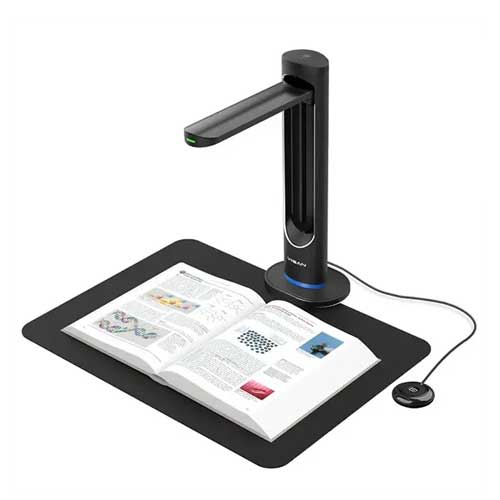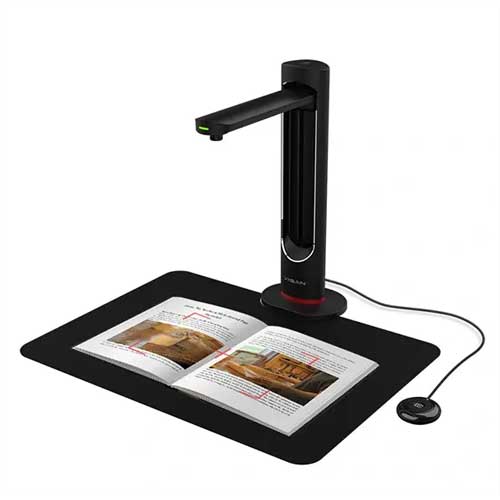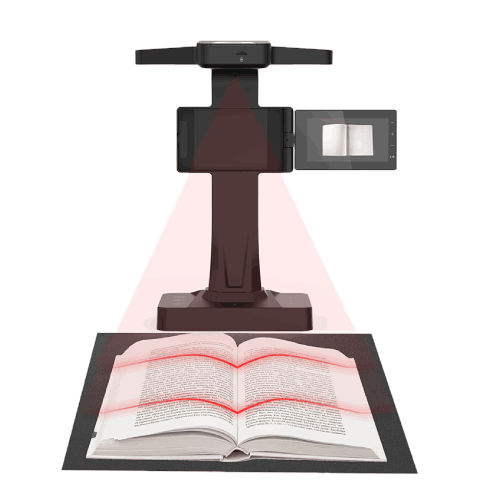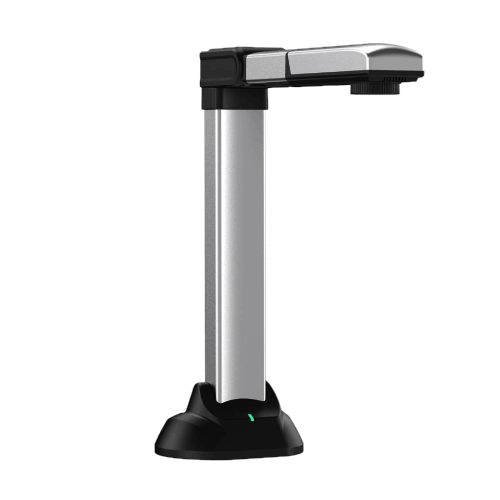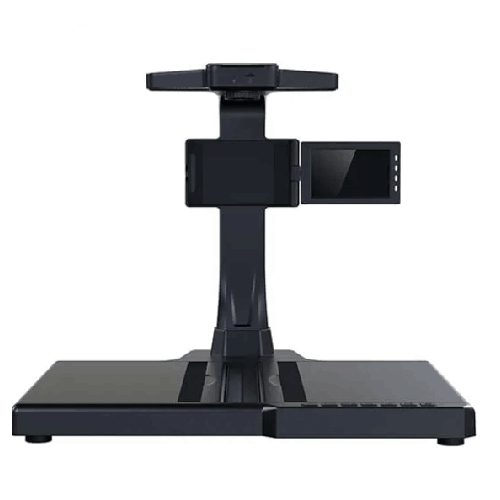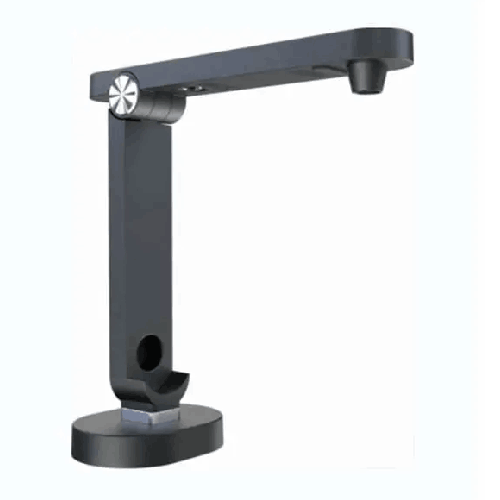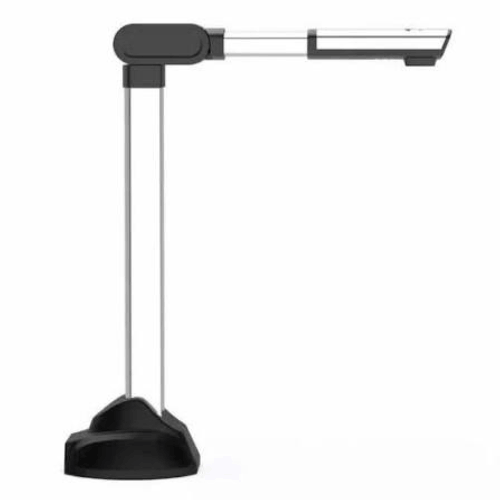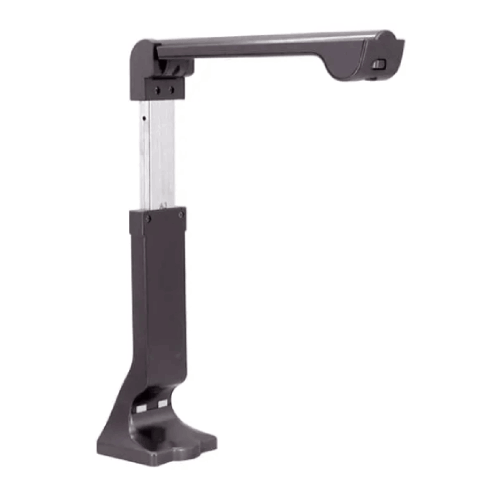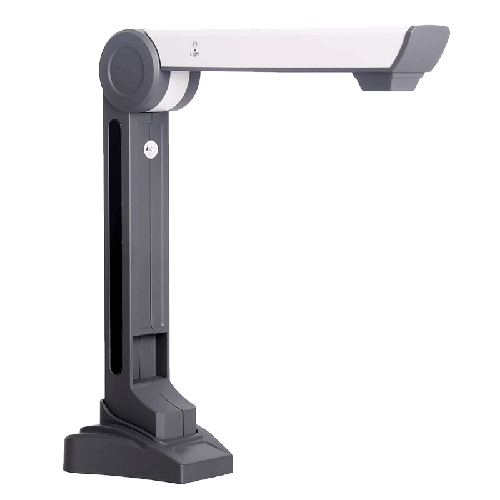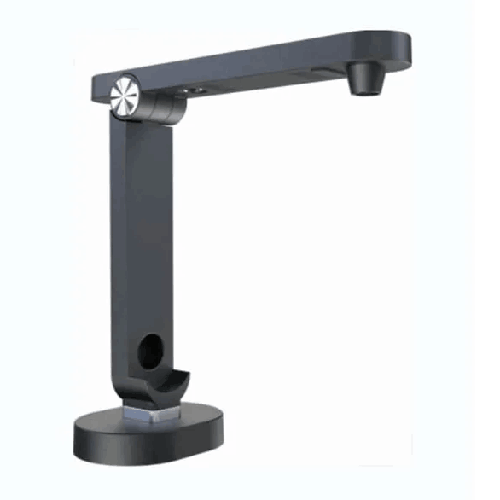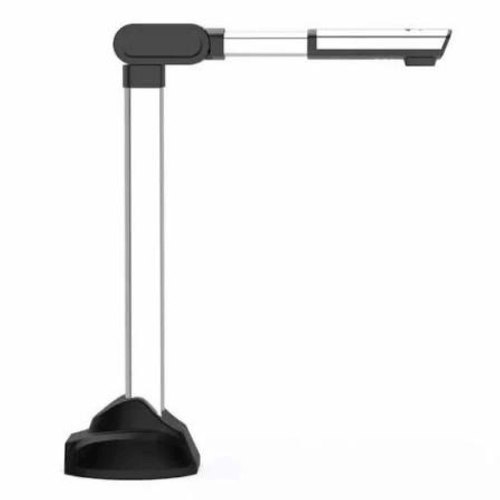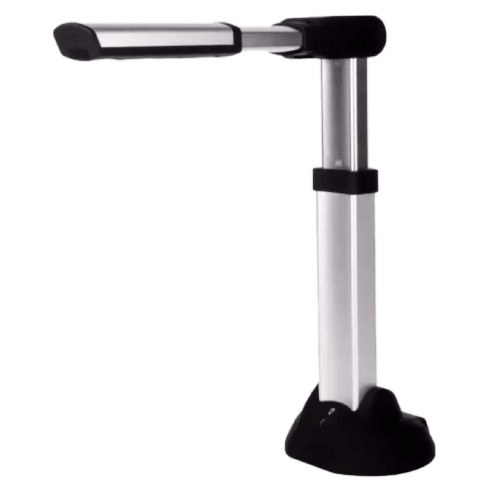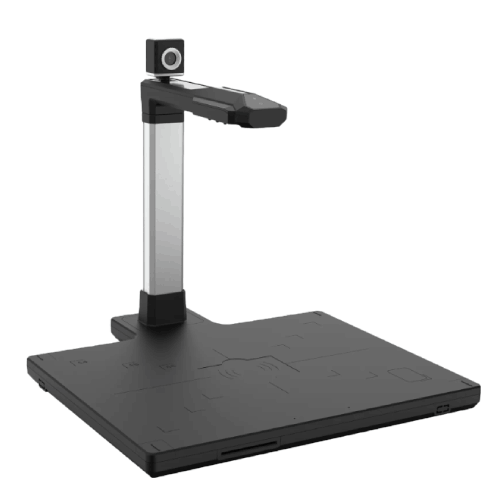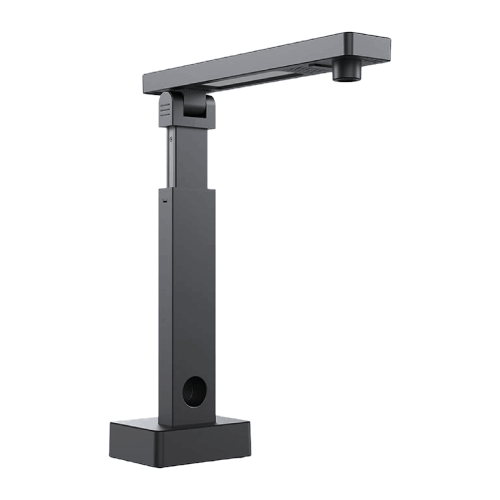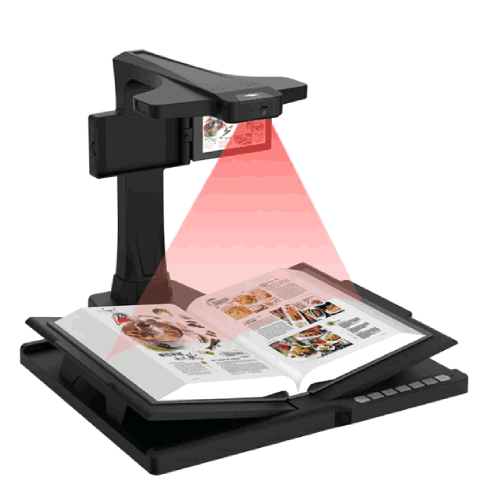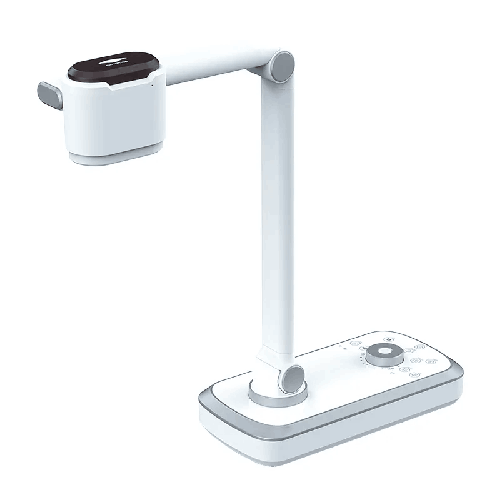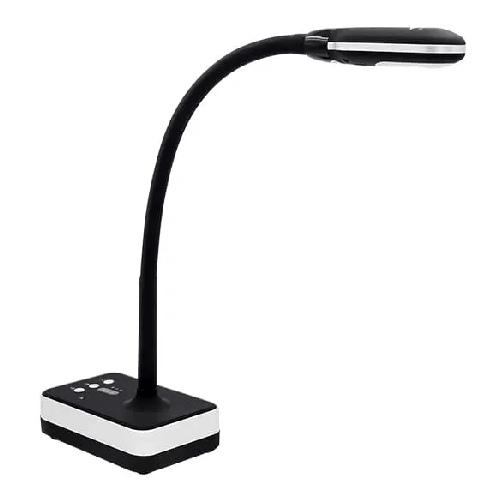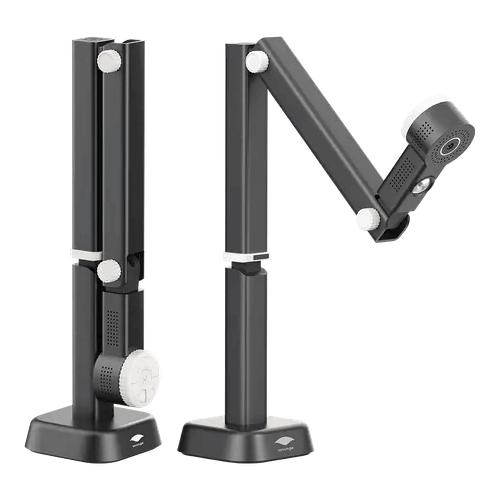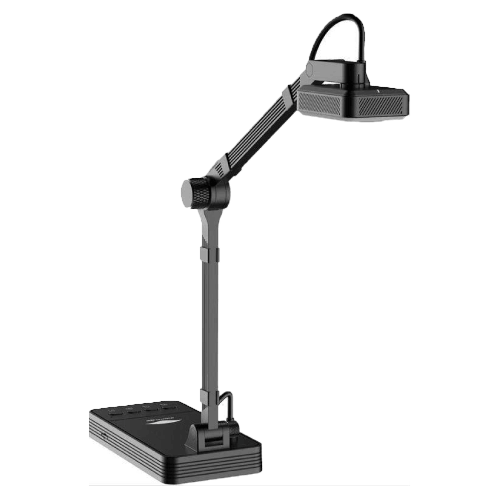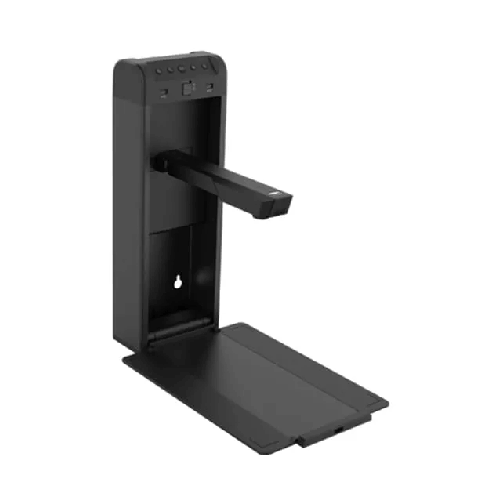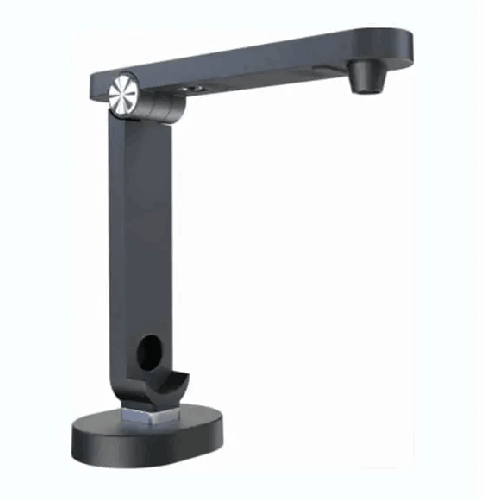
Eloam S1300C 13MP A4 High-Speed Document Scanner
Regular Price:৳0.00Availability: SKU: 7.29.154.9473
Quick Overview
-
Support
Saturday – Thursday: 09 AM - 06 PM. -
Payment
Cash on Delivery | Card | Online Payment -
Shipping Cost
Inside Dhaka 100tk | Outside Dhaka 150tk -
Warranty Policy
Read More
Description
Eloam S1300C 13MP A4 High-Speed Document Scanner in Bangladesh
The Eloam S1300C 13MP A4 High-Speed Document Camera is built for modern classrooms, coaching centers, universities, and offices in Bangladesh that want crisp, live presentation of documents and fast scanning of A4 materials. It combines a 13‑megapixel camera with high-speed capture and visualizer functionality, making it a powerful upgrade over basic webcams and flatbed scanners.
Place any A4 document—textbook page, question paper, worksheet, office form—under the camera, and the Eloam S1300C displays it instantly on a connected projector, TV, or monitor via your PC. At the same time, it allows you to capture high-quality digital copies for archiving or sharing.
For education, it turns any room into a smart classroom without complicated setups. For offices, it becomes a convenient presentation and scanning tool for meetings and documentation. In a country like Bangladesh where paper documents are still central to learning and administration, this high-speed document camera bridges the gap to digital very effectively.
13MP High Resolution for Everyday A4 Documents
The heart of the Eloam S1300C is its 13‑megapixel camera sensor, tuned for A4-sized documents. This resolution delivers:
- Clear, readable text even in smaller fonts
- Sharp lines in diagrams and graphs
- Legible handwriting on answer scripts and notes
- Good clarity when zooming in on particular sections
In a typical Bangladeshi classroom, students at the back can struggle to see what’s written on a board, especially when the writing is small. With 13MP capture projected onto a large screen, every student sees printed pages or handwritten solutions clearly.
For offices and training rooms, 13MP ensures that policy documents, contracts, filled-out forms, and reports are easy to read on-screen, whether viewed in person or over a video conference.
A4-Focused Design – Optimized for the Most Common Size
Most documents used daily in Bangladesh are A4:
- Exam question papers and answer scripts
- Worksheets and handouts
- Office forms, letters, and memos
- Bills, invoices, and receipts
- Application forms and CVs
The Eloam S1300C is designed around this reality. As an A4 document camera, its working area, camera angle, and optics are optimized to show a full A4 page clearly, without awkward cropping or constant adjustment.
This makes it ideal for:
- School and college classrooms showing textbook pages or exam content
- Coaching centers reviewing model tests and solutions
- University departments presenting journal pages and printed research data
- Corporate and SME offices presenting and explaining printed materials in meetings
You simply place the A4 page within the camera’s view, and it’s ready for display or capture.
High-Speed Capture – Smooth Teaching and Scanning
“High-speed” in the Eloam S1300C means the camera and software are designed for quick response:
- Minimal lag when moving or turning pages
- Fast response for live handwriting under the camera
- Rapid capture when scanning multiple pages in sequence
For teachers in Bangladesh handling back-to-back classes, speed matters. With this document camera:
- You turn a page, and the new content appears promptly.
- You switch from question paper to solution sheet without waiting.
- When using it as a scanner, you can move through a stack of documents rapidly.
This helps maintain the flow of lessons and presentations, avoiding the frustrating delays common with slow or low-quality devices.
Visual Presenter for Smart Classrooms
As a visual presenter, the Eloam S1300C becomes the centerpiece of a smart classroom setup:
- Place a book, worksheet, or notebook under the camera
- Show the image live through your PC to a projector or LED TV
- Move, zoom (if supported via software), and explain in real time
This is very effective across subjects:
- Mathematics: Demonstrate problem-solving steps on paper; show coordinate graphs or geometry diagrams.
- Science: Present diagrams, tables, lab records, and experiment results from lab notebooks.
- English and Languages: Analyze reading passages, grammar exercises, and writing samples.
- Commerce and Business Studies: Show ledger formats, balance sheets, and sample business forms.
In coaching centers, teachers can show past papers and solutions directly from printed sheets, allowing large groups to follow along without handing out dozens of photocopies.
Perfect Companion for Online Classes and Hybrid Learning
With more Bangladeshi institutions embracing online and hybrid teaching, the Eloam S1300C is a strong ally:
- Connect it to a laptop or PC
- Open the camera/visualizer software
- Share the window via Zoom, Google Meet, Microsoft Teams, or similar platforms
Students joining from Dhaka, Chattogram, Sylhet, Rajshahi, Khulna, or rural areas can watch the same content as if they were in a physical classroom. Teachers can:
- Show textbook content to students who don’t have the book at home
- Demonstrate handwritten solutions in real time
- Share answers and notes without scanning each page separately beforehand
Compared to a basic webcam pointed at a desk, the S1300C is oriented and tuned specifically for documents, giving a more stable, readable view.
Document Scanner for Quick Digital Copies
Beyond presentation, the Eloam S1300C serves as a document scanner for A4 documents. Using its software:
- Capture still images of pages
- Save them as image files or PDFs
- Build small digital archives of important documents
This is valuable for:
- School/college offices scanning application forms, letters, and notices
- University departments keeping soft copies of assignments, reports, and forms
- Corporate admin/HR digitizing application forms, HR policies, and memos
- Small businesses and NGOs keeping backup copies of bills, receipts, and project forms
While it doesn’t replace a dedicated high-volume scanner for bulk backfile conversion, it is an excellent everyday tool for quick digitization tasks.
Compact, Foldable, and Desk-Friendly
Bangladeshi classrooms and offices often have limited space. The Eloam S1300C addresses this with a:
- Compact base that fits on standard desks
- Foldable or adjustable arm (typical in this category)
- Light, portable structure that can be moved between rooms if needed
This design is ideal for:
- Shared classrooms where equipment must be moved between periods
- Coaching center cubicles with small tables
- Training rooms that serve multiple groups
- Home offices where teachers or trainers teach online
When not in use, the S1300C can be folded and stored on a shelf, in a cabinet, or in a drawer to keep the desk tidy.
Typical Use Scenarios in Bangladesh
-
School Classroom in Dhaka
A math teacher uses the Eloam S1300C to display daily worksheets. She puts the printed sheet under the camera, solves problems on a separate page under the same camera, and students follow both question and solution clearly on the projector. -
HSC Coaching Center in Chattogram
An instructor goes through HSC Chemistry past papers. He places the paper under the document camera, reads the question aloud, and then works out the answer line-by-line on a separate answer sheet, all visible to the batch. -
University Seminar in Rajshahi
A lecturer shows printed research abstracts and data tables from journals via the S1300C. Students see the actual printed tables on the big screen and discuss findings directly. -
Small Office in Motijheel, Dhaka
During a meeting, the admin manager uses the camera to show a new leave application form to staff. Each field is explained live while everyone views the form on a large TV. -
Online Class from Home in Sylhet
A private tutor uses the S1300C in front of her laptop to show English grammar exercises and handwritten answers to students attending via Zoom.
Compatibility and Software Integration
The Eloam S1300C is a USB document camera, designed to work with a Windows PC or laptop using Eloam (or compatible) software. Typical features include:
- Live preview of the camera image
- Capture of images or pages
- Basic adjustments (brightness, contrast, rotation)
- Saving in standard formats (JPG, PNG, PDF)
- Possible multi-page PDFs and simple enhancements (depending on software version)
For classroom use, the PC then outputs to:
- A projector,
- An interactive whiteboard, or
- A large LED/LCD TV.
For online classes, the software window is shared through:
- Zoom
- Google Meet
- Microsoft Teams
- Other video conferencing tools
IT admins should confirm:
- Supported Windows versions
- Driver/software installation permissions
- Storage locations and backup solutions for captured files
Maintenance and Care in Bangladesh
Keeping the Eloam S1300C in good condition is simple:
- Clean the lens gently with a soft microfiber cloth to remove dust or smudges.
- Protect it from dust by covering or storing in a cabinet when not in use.
- Avoid humidity and direct sunlight, particularly in monsoon or hot summer months.
- Handle the arm carefully when folding/unfolding; don’t force it beyond its natural range.
- Organize cables to avoid tripping or accidental pulls that could pull it off the table.
These basic habits help maintain image clarity and extend the device’s lifespan in busy Bangladeshi environments.
✅ Key Features
- 13MP High-Resolution Camera: Captures A4 documents with excellent clarity, making printed and handwritten text easy to read on large screens.
- A4 Document Camera Design: Optimized for the most common academic and office paper size used across Bangladesh.
- High-Speed Capture: Quick response for page turning and live handwriting, ensuring smooth teaching and presenting.
- Visual Presenter Functionality: Works as a live document camera for smart classrooms, coaching centers, and training rooms.
- USB Connectivity: Simple connection to PCs and laptops via USB for power and data, reducing setup complexity.
- Compact and Foldable Form Factor: Saves space on teacher desks and office tables, and is easy to move between rooms.
- Dual Role – Presenting and Scanning: Functions both as a live presenter and a convenient day-to-day document scanner.
- Suitable for Education and Office Use: Designed with the needs of schools, universities, coaching centers, and businesses in mind.
✅ Usage / Applications
- School & College Classrooms: Display textbook pages, class tests, worksheets, and handwritten solutions to the entire class.
- Coaching Centers: Present past papers, model test answers, and practice sheets in group sessions.
- University Lectures & Seminars: Show journal articles, research extracts, data tables, and printed notes.
- Online Classes & Hybrid Teaching: Use as a document camera for Zoom/Meet/Teams to display books and notes from home.
- Corporate Training & HR Sessions: Demonstrate printed policies, forms, and training materials to employees.
- Office Meetings: Show letters, proposals, and reports directly to colleagues during discussions.
- Small Business & NGO Admin: Scan and present forms, receipts, and project documentation.
- Library & Resource Centers: Show reference materials to groups and capture important pages for digital sharing.
✅ Benefits of This Product?
- Enhances Classroom Visibility: Every student gets a clear view of the same document, improving understanding and engagement.
- Saves Time for Teachers & Trainers: Reduces the need to rewrite or redraw content; simply present from the original print.
- Supports Modern E-Learning: Makes online classes more natural and effective by showing physical materials clearly.
- Simplifies Everyday Scanning: Provides a quick way to digitize A4 documents without needing a separate flatbed scanner.
- Reduces Printing & Photocopy Costs: Digital sharing of content means fewer handouts and copies are needed.
- Professional Presentation Tool: Looks and feels more polished than improvised phone or webcam setups.
- Flexible Across Departments: One device can be shared among teaching, admin, HR, and training teams.
- Space-Efficient Solution: Works well in small Bangladeshi classrooms, offices, and home setups with limited desk space.
✅ Ideal For
The Eloam S1300C 13MP A4 High-Speed Document Camera is ideal for educators and professionals in Bangladesh who need to show and scan A4 documents frequently.
It’s a perfect match for school and college teachers, who rely on textbooks, exam papers, and notebooks in daily lessons. Instead of continuously writing on the board, they can place the book or sheet under the camera and focus on explanation.
Coaching center tutors, university lecturers, and professional trainers benefit from its ability to present detailed printed materials to large groups clearly and quickly. It’s also highly useful for corporate trainers, HR managers, and office administrators who frequently present printed policies, forms, and reports.
For small and medium businesses, NGOs, and consultants, the S1300C serves both as a live presentation tool and an everyday scanner, helping them move toward more digital workflows. If your work revolves around A4 documents and you want a compact, high-resolution way to present and capture them, this document camera is a strong fit.
✅ Why Choose the Eloam S1300C 13MP A4 High-Speed Document Camera?
The Eloam S1300C offers a smart combination of 13MP resolution, A4-focused design, and high-speed responsiveness, tailored to real-world classrooms and offices in Bangladesh.
Compared to basic webcams or improvised phone stands, it delivers:
- A stable, top-down view optimized for documents
- Much clearer text and graphics, even when zoomed on screen
- Faster, more professional handling in live teaching and meetings
It also replaces much of the need for a separate everyday scanner, since you can capture and save A4 documents right from the same device you use for presentation. This dual role saves money, table space, and setup time.
Because it is compact and USB-powered, it integrates easily into existing PC + projector or PC + TV setups common in Bangladeshi institutions. There’s no bulky hardware or complex cabling to manage.
If your goal is to modernize teaching, improve meeting presentations, and make it easier to digitize key documents—without investing in heavy or complex equipment—the Eloam S1300C is an effective, balanced choice.
✅ Why Buy This Product from BME?
Purchasing the Eloam S1300C 13MP A4 High-Speed Document Camera from Business Machine & Equipment (BME) gives you the advantage of a local, Bangladesh-focused technology partner.
BME emphasizes genuine product sourcing, which is crucial for document cameras where sensor quality and software support directly impact clarity and reliability. With BME, you avoid the risks associated with unofficial or low-grade imports.
Because BME regularly serves schools, colleges, universities, NGOs, corporates, and government offices, the team understands how devices like the S1300C are actually used in Bangladesh. They can:
- Help you plan deployment across classrooms or departments
- Suggest how it fits with your existing PCs, projectors, and networks
- Provide quotations and documentation tailored for institutional procurement
For organizations that follow formal purchasing processes, BME can support B2B quotations, VAT-compliant invoices, and necessary paperwork, easing approval for tenders and project budgets.
BME also aims to provide practical usage guidance—from basic setup understanding to tips on classroom positioning, scanning workflows, and integration with online teaching platforms. While warranty and service details depend on current policies, having a reputable local supplier adds trust and long-term support potential.
✅ Buying Guide
To decide if the Eloam S1300C 13MP A4 High-Speed Document Camera is right for you, consider the following:
1. Define Your Main Use Cases
Are you mainly using it for classroom teaching, online classes, office presentations, quick scanning, or a mix? The S1300C is ideal if you need both live presentation and light-to-moderate scanning of A4 documents.
2. Confirm Document Size
If most of your documents are A4 (textbooks, exam papers, forms), this model fits perfectly. If you routinely handle larger A3 answer scripts or maps, consider an A3-capable device in addition.
3. Consider Resolution Needs
13MP is more than enough for clear classroom projection and office presentation of A4 content. If you expect heavy archiving of very fine-print documents, think if you need even higher resolution, but for normal use 13MP is a strong balance.
4. Check Your Hardware Environment
Ensure you have Windows PCs or laptops with USB ports available where you’ll use the camera (classrooms, training rooms, offices). Confirm with IT that you can install the required software and drivers.
5. Think About Teaching & Presentation Style
If you frequently write out long notes on the board, imagine how much time you’ll save by simply placing your book or paper under the camera and explaining from there.
6. Plan for File Storage
If you’ll use the camera to scan documents, decide where files will be stored (local PC, shared drive, cloud) and how you’ll name and organize them. This matters for admin, HR, and NGO work.
7. Decide on Quantity and Placement
Consider how many rooms need coverage. Some institutions start with a few shared units and expand later. The S1300C’s compact size makes sharing between rooms feasible.
8. Avoid Common Pitfalls
- Don’t assume a simple webcam is enough for document clarity in a large classroom.
- Don’t invest in a scanner only, if you also need live teaching/presentation; a document camera covers both needs.
- Don’t ignore software compatibility—verify supported OS versions ahead of major purchases.
Going through these points will help you determine if the Eloam S1300C matches your institution’s or business’s real-world requirements.
✅ Customers Ask About / Frequently Asked Questions
Q1: What is the resolution of the Eloam S1300C?
It features a 13MP (13‑megapixel) camera, providing clear and detailed capture of A4 documents.
Q2: Is the Eloam S1300C suitable for classrooms and coaching centers in Bangladesh?
Yes. It is specifically well-suited for schools, colleges, universities, and coaching centers that need to present textbooks, question papers, and notes to groups of students.
Q3: Can I use it for online classes?
Yes. Connect it to a PC or laptop, open the visualizer software, and share that window in platforms like Zoom, Google Meet, or Microsoft Teams to show documents live.
Q4: What is the maximum document size it is designed for?
The Eloam S1300C is optimized for A4-size documents, which covers most academic and office paperwork.
Q5: Does it work as a scanner too?
Yes. You can capture still images or pages and save them as image files or PDFs for digital archiving or sharing.
Q6: Does it have autofocus?
The S1300C is marketed as a high-speed document camera; autofocus or fast focusing is typically part of such designs. For exact focusing details, confirm with current specifications or BME.
Q7: Is it compatible with Windows PCs?
It is generally designed for Windows-based PCs and laptops via USB connection and software. Check exact supported Windows versions at the time of purchase.
Q8: Do I need a projector to benefit from it in class?
To show content to a whole class, you typically connect the PC (with the S1300C attached) to a projector or large TV. Without that, it can still scan and show content on the PC screen for smaller groups.
Q9: Can it display small 3D objects as well as paper documents?
Yes, small 3D objects like components, tools, or small models can be displayed if they fit under the camera and within the focus range.
Q10: What kind of warranty is available in Bangladesh?
Warranty terms depend on the particular batch and sourcing. Please confirm warranty duration and coverage with BME when you purchase.
Q11: Is it difficult for teachers or staff to learn?
No. The basic operation—placing documents, adjusting position, and presenting or capturing—is simple. A short practice session is usually enough for most users to feel comfortable.
✅ Why Buy This Product
The Eloam S1300C 13MP A4 High-Speed Document Camera is a practical, powerful solution for Bangladesh’s classrooms, coaching centers, offices, and training environments. It allows you to present real, printed materials and handwritten notes in a clear, engaging way, while also giving you the ability to quickly digitize important A4 documents.
By adopting this device, you reduce the need for constant board-writing and photocopying, make online classes more natural and interactive, and streamline small-scale document scanning tasks. Its 13MP resolution, A4-focused design, and fast response make it far more effective than basic webcams or improvised setups.
If your goal is to modernize teaching, improve meeting and training presentations, and gradually shift toward digital documentation without sacrificing the familiarity of paper, this document camera is an excellent choice. Order the Eloam S1300C 13MP A4 High-Speed Document Camera from BME today and upgrade the way you teach, present, and handle documents across your institution or business.
What is the price of Eloam S1300C 13MP A4 High-Speed Document Scanner in Bangladesh?
Write a review
Question Answer
Have question about this product? Get specific details about this product from expert.