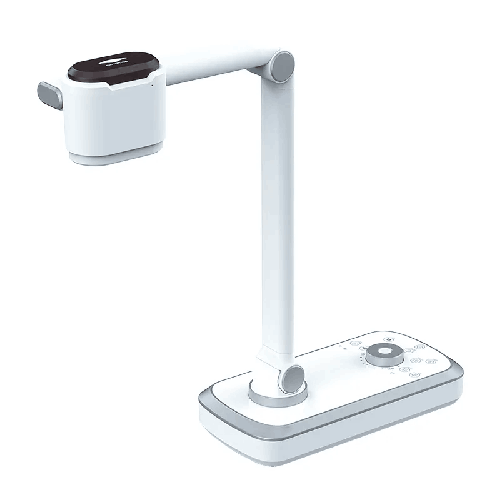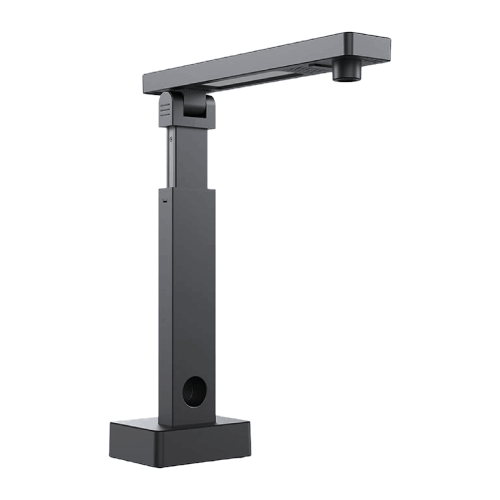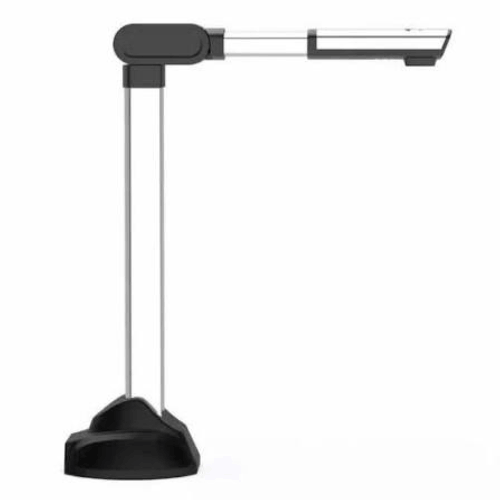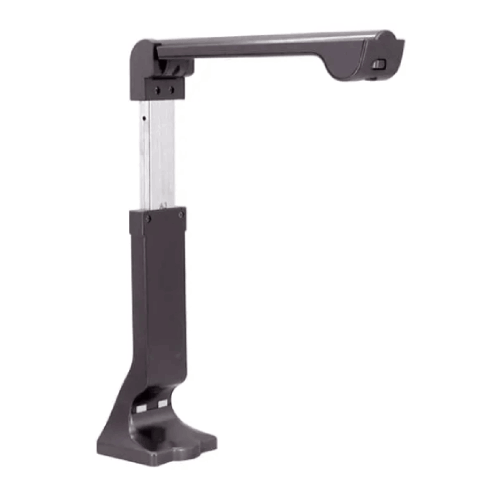
Eloam S1500C 15 MP A4 Document Scanner with LED
Regular Price:৳0.00Availability: SKU: 7.29.154.9475
Quick Overview
-
Support
Saturday – Thursday: 09 AM - 06 PM. -
Payment
Cash on Delivery | Card | Online Payment -
Shipping Cost
Inside Dhaka 100tk | Outside Dhaka 150tk -
Warranty Policy
Read More
Description
Eloam S1500C 15 MP A4 Document Scanner with LED in Bangladesh
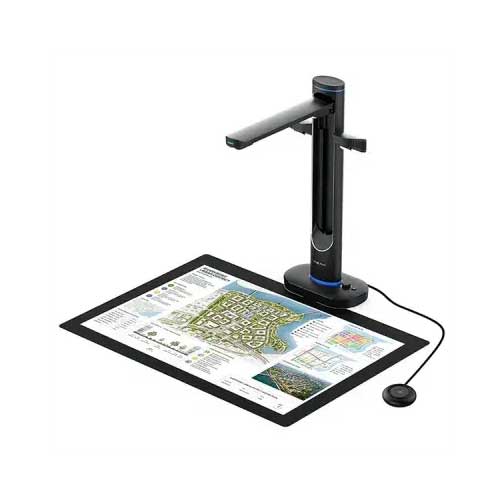
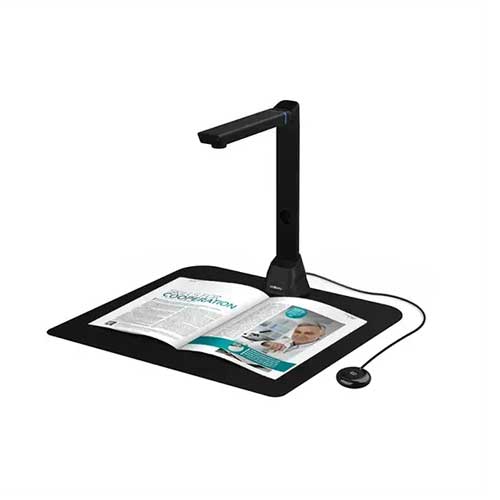
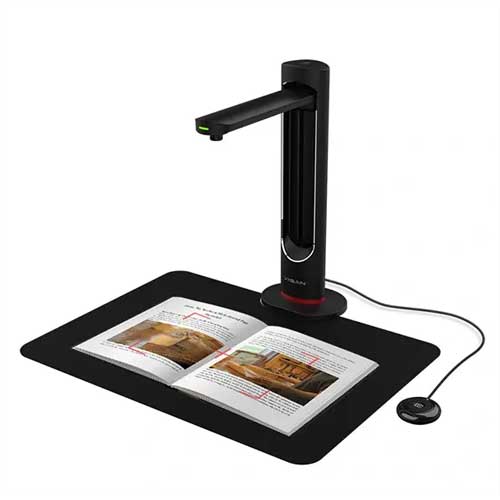
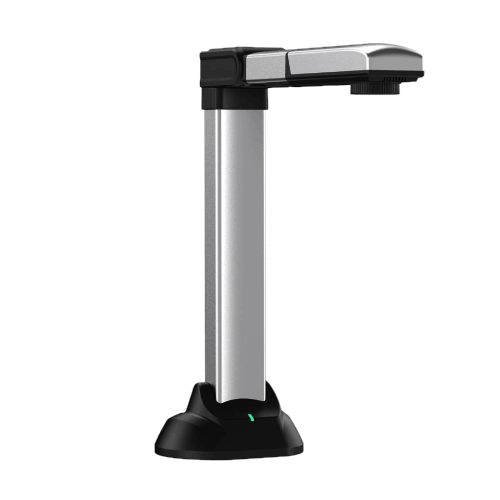
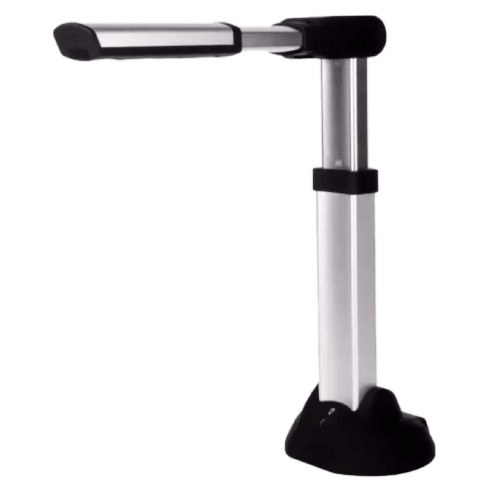
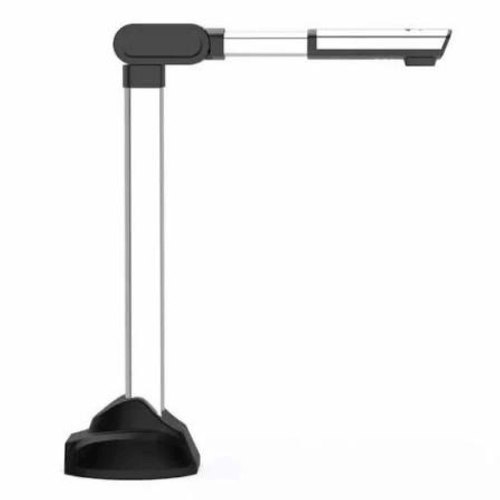
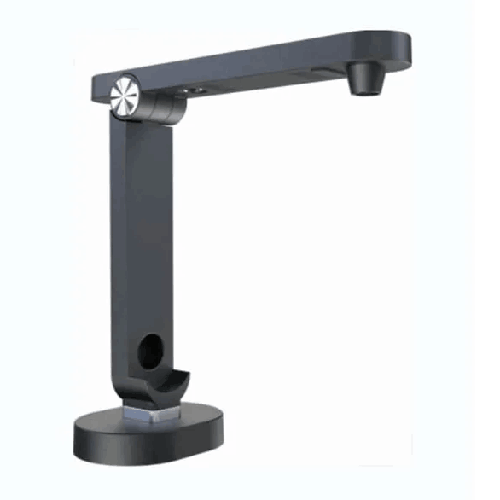
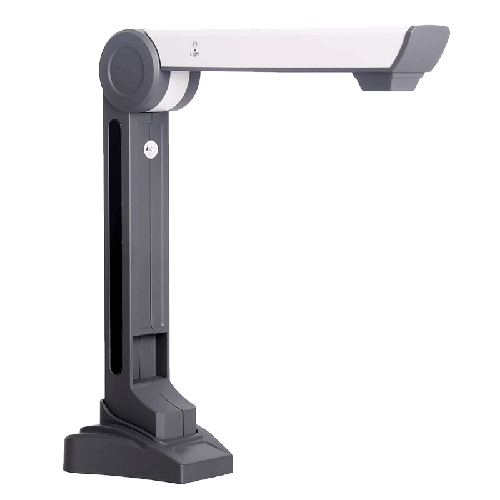
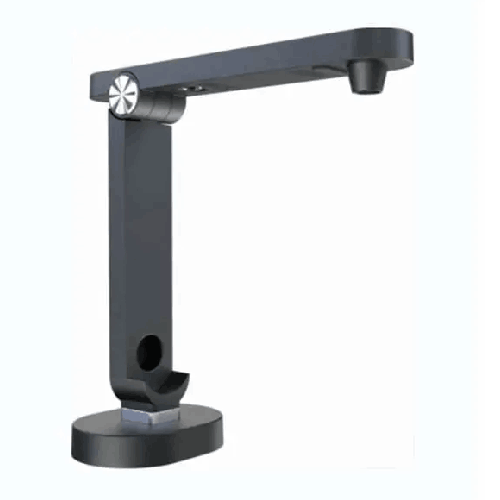
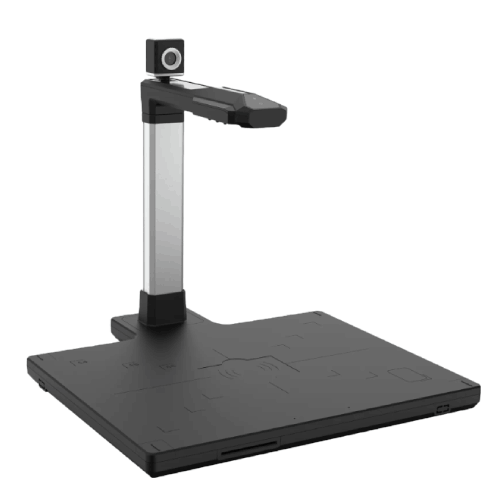
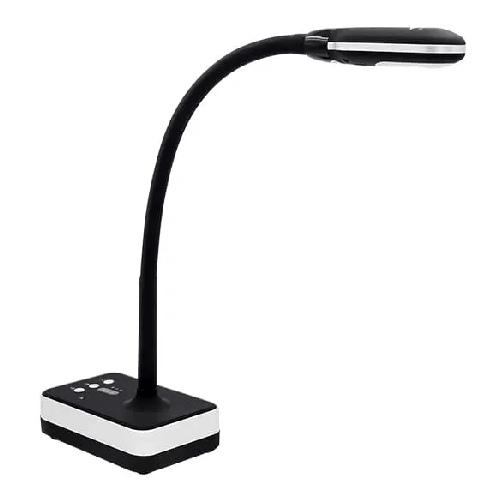
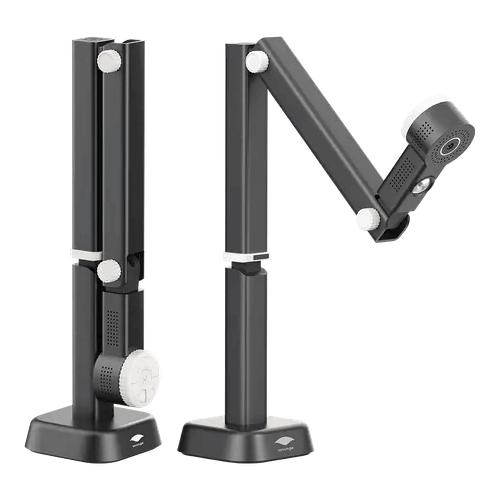
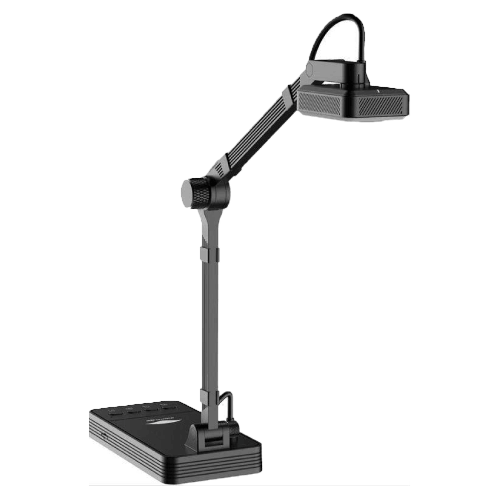
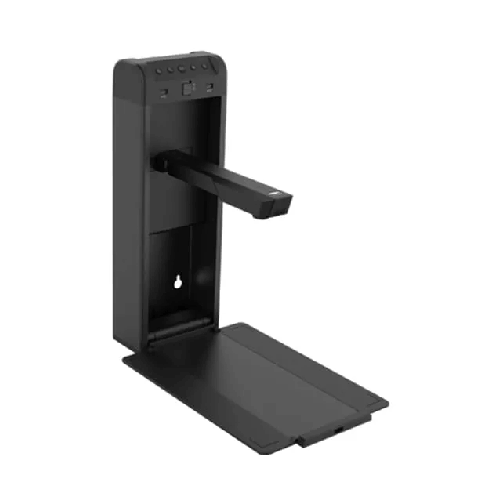
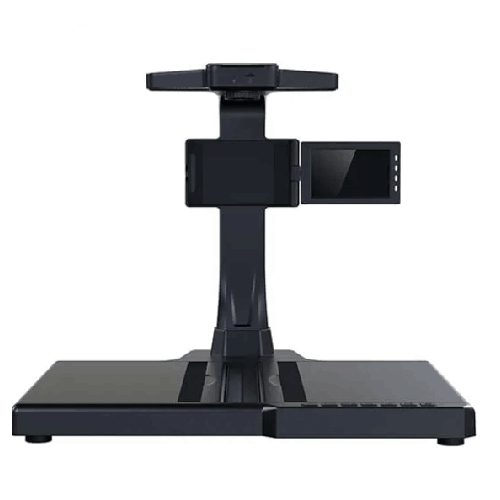
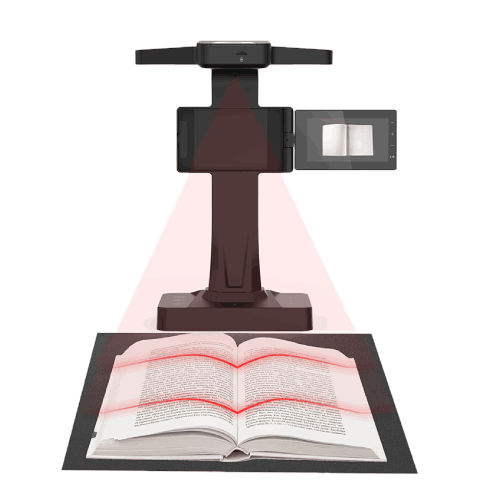
The Eloam S1500C 15 MP A4 Document Scanner with LED is a modern overhead-style document scanner and visual presenter designed for schools, coaching centers, universities, and offices in Bangladesh. Combining a 15‑megapixel camera with an A4-size capture area and built-in LED lighting, it delivers fast, clear scanning and live display of documents directly through your computer.
Instead of feeding sheets through a traditional scanner or struggling to show documents on a basic webcam, you simply place your paper under the Eloam S1500C and capture or present in seconds. Text, diagrams, and handwriting appear sharply on screen, ready for projection, online sharing, or digital archiving.
For a country like Bangladesh, where paper-based workflows are still deeply embedded in education and office life, this scanner offers a practical bridge to digital—without demanding big changes in how people work day to day.
15 MP High-Resolution Imaging for A4 Documents
At the heart of the Eloam S1500C is a 15-megapixel sensor, tuned to capture A4-sized pages with high clarity. That means:
- Small fonts in textbooks and printed forms remain readable
- Fine lines in graphs, tables, and diagrams are clearly visible
- Handwriting on answer scripts, notes, and worksheets is easy to interpret
- Stamps, signatures, and small annotations are captured precisely
In a Bangladeshi classroom, this level of detail is important when projecting content for a large group of students. Whether you’re showing a page from a class textbook or a filled-out form, everyone in the room should be able to read it from the projector image or large TV. For offices, 15MP ensures official documents look professional when scanned, shared, or reprinted.
A4 Document Scanner – Optimised for Daily Paper Size
Most of the documents used daily in Bangladesh are A4:
- Exam question papers
- Handouts and worksheets
- Application forms and office letters
- Bills, vouchers, receipts
- Student assignments and reports
The Eloam S1500C is built around this reality. It acts as an A4 overhead document scanner, capturing a whole page in one shot. There’s no need to push sheets through a feeder or line up edges precisely against a glass plate. You lay the paper in the capture zone, adjust if needed, and scan.
This design is particularly useful where:
- Teachers need to quickly show or scan a variety of A4 teaching materials.
- Admin or HR staff scan forms and records regularly.
- Small businesses and NGOs want a handy way to digitize paper without a bulky scanner.
While the primary target size is A4, smaller documents (ID copies, receipts, slips) can also be captured by placing them centrally under the camera.
Built-in LED Lighting – Clear Scans in Mixed Lighting
Bangladesh’s classrooms and offices often have inconsistent lighting—mixes of tube lights, CFLs, or daylight through windows. That can lead to shadows and dim spots when capturing documents, especially with basic cameras.
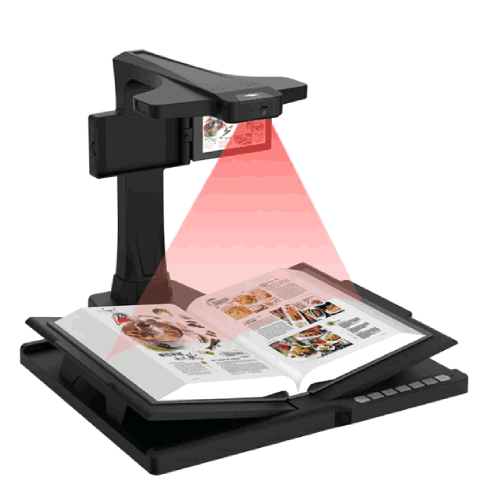
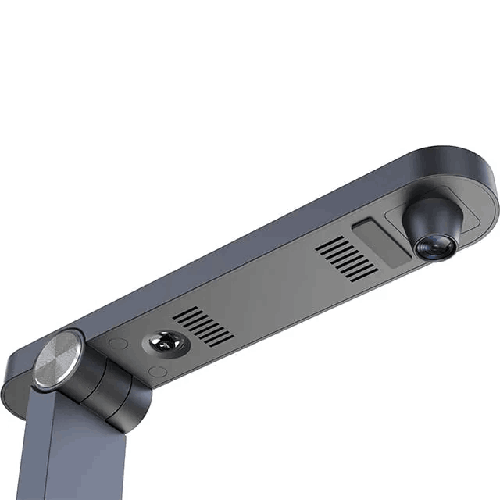
The Eloam S1500C includes integrated LED lighting, which:
- Illuminates your document from above
- Helps reduce shadows cast by hands or document edges
- Improves contrast, making text easier to read
- Provides more consistent results in dim rooms
This is particularly helpful in:
- Evening coaching classes where ambient light is low
- Crowded school classrooms where overhead lighting is uneven
- Older office buildings where some bulbs are dull or poorly placed
With the LED light switched on, the scanner produces more uniform images, reducing the need for heavy brightness adjustments later.
Overhead Scanner Form Factor – Fast, Contactless Capture
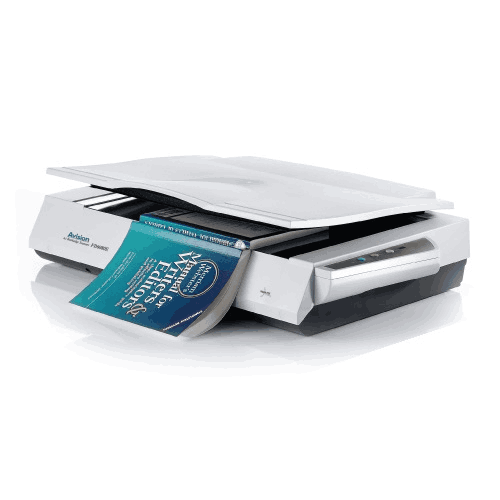
Unlike flatbed scanners, the Eloam S1500C works as an overhead scanner:
- The camera head looks down at the document from above
- You don’t need to open and close lids
- Pages are not pressed against glass
This brings several advantages:
- Speed: You place, scan, and swap documents in quick succession.
- Convenience: Bound materials like small booklets or thin magazines can be scanned without flattening them.
- Lower wear: There is no mechanical pressure on pages, which is kinder for fragile documents.
For example, a school office scanning stacks of application forms, or a coaching center digitizing sets of notes, can move much faster with this style of scanner. It also suits environments where scanning is done at a regular work desk, not in a dedicated reprographics room.
Document Camera for Live Presentation and Teaching
Although named as a scanner, the Eloam S1500C also acts as a document camera / visual presenter. That means it can show a live view of what’s under the camera directly on your PC. From there, you can:
- Project the image on a classroom projector
- Mirror it onto a large LED TV in a training room
- Share it in real time over Zoom, Google Meet, or Microsoft Teams for online classes
This makes it an excellent tool for:
- School and college teachers who want to display textbook pages, question papers, and worked solutions.
- Coaching center tutors presenting past papers and model answers to a batch.
- University lecturers showing printed articles, data tables, or diagram-heavy content.
- Corporate trainers explaining HR forms, compliance documents, or printed slides.
Instead of rewriting everything on whiteboards, you keep the original print and point or annotate verbally while students or trainees follow on the big screen.
Practical Classroom and Office Scenarios in Bangladesh
-
SSC Classroom in Dhaka
A science teacher wants to explain a physics diagram from the textbook. She places the book open under the Eloam S1500C, turns on the LED light, and shares the live image on the projector. Students see the printed diagram clearly, and she can zoom or move the page to focus on parts like vectors or field lines. -
HSC Coaching Center in Sylhet
A commerce tutor reviews an HSC Business Studies question paper. Using the S1500C, he goes question by question: first showing the printed question, then switching to a handwritten answer sheet under the same camera to show an ideal solution. -
College Admin Office in Chattogram
The admission team scans new students’ application forms, mark sheets, and ID copies as they arrive. With the S1500C on a desk, a staff member quickly captures high-quality images of each document set for digital storage and backup. -
NGO Field Office in Khulna
After a training programme, an NGO worker uses the scanner to digitize feedback forms and attendance sheets. These scanned files are emailed to the head office in Dhaka the same day instead of being couriered. -
Small Business in Motijheel, Dhaka
A small trading company uses the scanner to digitize bills, challans, and receipts daily. Later, the accounts team retrieves the digital copies easily during audits or tax filing.
Compatibility and Workflow
The Eloam S1500C is a USB-connected scanner/document camera, typically used with a Windows PC or laptop and dedicated scanning/viewer software (from Eloam or distributors). A typical workflow:
- Connect the S1500C to your PC via USB
- Launch the vendor’s scanning or viewer application
- Place the document within the capture area
- Use the software to preview, adjust if necessary, and then capture or record
Common functions often available in such software include:
- Capturing single images or multiple pages
- Saving to image formats (JPEG, PNG) or PDFs
- Basic brightness/contrast adjustment and rotation
- Multi-page PDF creation for sets of documents
For live classroom or meeting use, you simply display the software window on your projector or TV output. For online sessions, you share that window in your video-conferencing platform.
IT teams in Bangladeshi institutions should check:
- Which versions of Windows are supported
- User permissions required to install drivers/software
- How and where scanned files will be stored and backed up
Day-to-Day Maintenance and Care
To get consistent results from the Eloam S1500C in Bangladeshi conditions:
- Clean the lens regularly: Dust or smudges on the camera lens can degrade image quality. Wipe gently with a microfiber cloth.
- Keep the workspace tidy: Ensure the table under the scanner is free from dust and stray papers that could appear in scans.
- Protect from humidity and heat: Avoid placing the scanner near open windows during rain or under direct sunlight.
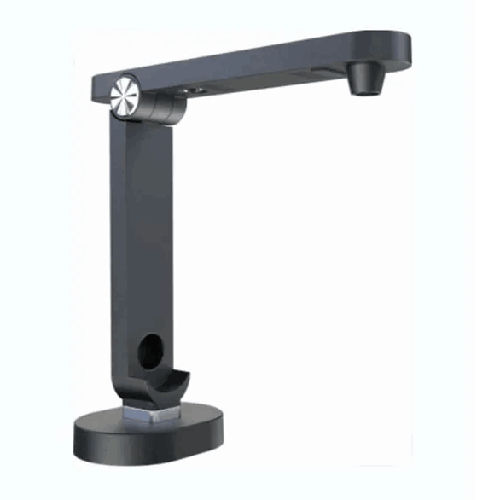
- Handle the arm and joints gently: If the device folds, fold and unfold smoothly without forcing.
- Organize cables: Use clips or ties to prevent people catching the USB cable and pulling the scanner.
These simple steps help maintain performance in busy school offices, classrooms, and corporate environments.
✅ Key Features
- 15MP High-Resolution Camera: Captures A4 documents with excellent clarity, ensuring printed and handwritten content is easy to read.
- A4 Overhead Document Scanner: Designed to scan a full A4 sheet in one shot, ideal for everyday Bangladeshi paper formats.
- Built-in LED Lighting: Integrated LED light illuminates documents evenly, improving scan quality in low or uneven room lighting.
- Dual Function – Scanner & Document Camera: Works both as a high-quality scanner and a live visual presenter for teaching and meetings.
- USB Connectivity: Simple plug-and-play style connection to a PC or laptop via USB, combining power and data over a single cable.
- Fast Page Handling: Overhead design allows rapid placement and scanning of multiple pages without opening/closing a lid.
- Space-Saving Form Factor: Compact footprint that fits easily on teacher desks, admin counters, and small office tables.
- Suitable for Education & Office Use: Tailored for schools, colleges, universities, NGOs, and businesses that handle A4 documents daily.
✅ Usage / Applications
- School & College Classrooms: Show textbook pages, exam questions, worksheets, and example answer scripts on projectors or TVs.
- Coaching Centers & Private Tutors: Present past questions, model answers, and study notes to groups of students.
- University Departments & Seminars: Display printed academic papers, tables, and diagrams during lectures and workshops.
- Online Classes & E-Learning: Use as a document camera to share live views of books and notes in Zoom, Google Meet, or MS Teams.
- Admin & HR Offices: Scan application forms, joining documents, leave forms, and letters for digital archiving.
- Accounts & Small Business: Digitize invoices, vouchers, challans, and receipts for easier record-keeping and audits.
- NGOs & Field Projects: Capture training registers, feedback forms, and beneficiary documentation at regional offices.
- Libraries & Resource Rooms: Scan important pages from reference books and share them with students and staff.
✅ Benefits of This Product?
- Improves Visual Clarity in Teaching & Training: Everyone sees the same crisp document on screen, boosting understanding and attention.
- Saves Time Compared to Flatbed Scanners: Overhead capture significantly speeds up scanning for multiple pages and daily tasks.
- Reduces Need for Photocopies: Digital display and sharing of documents can cut down on repetitive printing and copying.
- Supports Online & Hybrid Learning: Makes it easy to demonstrate physical books and handwritten notes in virtual classrooms.
- Enhances Professional Image: A dedicated scanner/document camera setup looks more professional than ad-hoc webcam or phone methods.
- Flexible Across Departments: Teachers, admin staff, HR, accounts, and management can all use the same device for different purposes.
- Space-Efficient & Portable: Compact design fits in tight Bangladeshi classrooms and offices, and can be moved as needed.
- Encourages Digital Archiving Habits: Easy scanning encourages institutions to keep digital backups of important papers.
✅ Ideal For
The Eloam S1500C 15 MP A4 Document Scanner with LED is ideal for users across Bangladesh who frequently handle A4 documents and want a fast, clear way to show and scan them.
It is an excellent match for school and college teachers, especially those who work in multimedia classrooms or run online sessions, as it lets them present from the actual book or paper without redesigning materials. Coaching center and private tutors can use it to walk students through past papers and solutions in a professional way.
On the office side, it suits administration teams, HR departments, accounts sections, small business owners, NGOs, and local project offices that need a practical, easy-to-use scanner for daily documentation tasks. University departments and library staff can also use it to quickly capture excerpts from books and printed materials.
If your workflow revolves around A4-sized printed pages—whether for teaching, training, or administration—this device is a strong, well-balanced option.
✅ Why Choose the Eloam S1500C 15 MP A4 Document Scanner with LED?
Choosing the Eloam S1500C means selecting a device designed for the realities of everyday Bangladeshi classrooms and offices:
- 15MP resolution gives you a noticeable quality boost over low-resolution cameras, making small fonts and handwriting clearer on large displays.
- The A4-focused overhead design matches the most common paper size in exams, administration, and office documents, eliminating the friction of misaligned or partially captured pages.
- Built-in LED lighting helps ensure consistent, readable results even when the room’s lighting is less than ideal—a common issue across many institutions here.
Compared to basic flatbed scanners, the S1500C is much faster for handling multiple pages in a live working environment. Compared to generic webcams or phone cameras, it offers better framing, more natural operation as a document camera, and a more professional impression in front of students, trainees, and management.
Because it doubles as both a scanner and visual presenter, it can replace two separate devices, saving money and desk space. For organizations moving gradually towards digital documents and smart classrooms—but still heavily reliant on paper—this is a very practical stepping-stone technology.
✅ Why Buy This Product from BME?
Buying the Eloam S1500C from Business Machine & Equipment (BME) gives you the advantage of working with a Bangladesh-focused IT and office equipment specialist.
BME emphasizes genuine sourcing, which is especially important for scanners and document cameras where sensor quality and bundled software matter for everyday usability. With BME, you reduce the risk of getting unofficial or incompatible units.
Because BME serves schools, colleges, universities, NGOs, corporates, and government offices across Bangladesh, the team understands how a product like the Eloam S1500C will actually be used:
- How many units you might need for your classrooms or departments
- How it will integrate with your existing PCs, projectors, and TVs
- Whether it’s best positioned in classrooms, admin sections, or shared labs
For institutional customers, BME can provide formal quotations, VAT-compliant invoicing, and procurement documentation, making it easier to complete approvals, tenders, or donor submissions.
BME also aims to offer local usage guidance—from explaining setup basics to helping you think about scanning workflows and online-teaching integration. While exact service and warranty terms should be confirmed at the time of purchase, having a local partner like BME adds reliability and support potential over the long term.
✅ Buying Guide
Use this guide to decide if the Eloam S1500C 15 MP A4 Document Scanner with LED is right for your needs:
1. Identify Your Main Use Cases
Ask whether you will use it primarily for:
- Classroom/meeting presentation
- Online classes and remote training
- Day-to-day scanning of A4 documents
- Or a combination of all three
The S1500C is most valuable if you need both live document display and regular A4 scanning.
2. Confirm Paper Size Needs
If almost all your important documents are A4—exams, forms, letters, bills—this device is well suited. If you handle lots of A3 answer scripts or maps, you may need a separate A3-capable scanner as well.
3. Consider Resolution Requirements
15MP is more than sufficient for clear classroom projection and office archiving of typical A4 content. If your work requires extremely fine microprint or art-grade reproduction, check whether this resolution meets your standard; for most educational and office tasks, it will.
4. Review Your IT Environment
Check if the PCs or laptops you’ll use:
- Run a supported Windows version
- Have available USB ports
- Allow installation of the scanner’s drivers and software
Coordinate with your IT department if there are strict software policies.
5. Plan for File Management
If scanning is a major requirement, decide:
- Where scanned files will be stored (local drive, shared network, cloud)
- How they will be named and organized (by date, student, project, department)
This is especially important for admins, HR, accounts, and NGOs handling many documents.
6. Think About Portability & Sharing
Will you keep the S1500C in one room, or share it across classrooms and offices? Its compact design supports sharing, but you may decide to deploy multiple units if you have heavy usage.
7. Budget Wisely
Compare the cost of the S1500C with buying a separate flatbed scanner + basic visualizer. Often, a single dual-purpose device like this offers better value and easier deployment.
8. Avoid Common Mistakes
- Don’t buy only a scanner if you also need to present content live; a document camera covers both needs.
- Don’t rely solely on low-quality webcams for classroom or meeting documents—they usually produce hard-to-read text.
- Don’t start digital archiving without a basic folder and naming structure; plan this from day one.
By going through these points, you can make a confident decision about whether the Eloam S1500C matches your institution’s or business’s requirements.
✅ Customers Ask About / Frequently Asked Questions
Q1: What is the resolution of the Eloam S1500C?
The Eloam S1500C offers a 15MP (15‑megapixel) camera, designed to capture A4 documents with high clarity.
Q2: Can it be used as a document camera in classrooms?
Yes. It can show a live view of any document placed under it on your PC, which you can then project or display on a TV in the classroom.
Q3: Is it suitable for online classes in Bangladesh?
Yes. You can share the scanner’s live view via Zoom, Google Meet, Microsoft Teams, or similar platforms, making it easy to show books and notes to remote students.
Q4: Does the Eloam S1500C work as a scanner as well?
Yes. It functions as a document scanner, allowing you to capture and save A4 documents as images or PDFs.
Q5: What is the maximum document size it is designed for?
It is optimized for A4-size documents, which matches most academic and office paperwork in Bangladesh.
Q6: What is the role of the LED light?
The built-in LED light illuminates the document area, helping to produce clear, evenly lit images even in rooms with poor or uneven lighting.
Q7: Is it compatible with Windows PCs?
Yes. The S1500C is designed to be used with Windows PCs or laptops via USB. Please confirm specific OS version compatibility with BME at purchase.
Q8: Can it scan ID cards and smaller documents?
Yes. Smaller documents like ID cards, receipts, or vouchers can be placed under the camera for scanning, ideally centered in the capture area.
Q9: Is it difficult to install and use?
No. Installation usually involves installing provided drivers/software and connecting via USB. Basic operation is straightforward, especially after a short practice.
Q10: Does it need an external power adapter?
Typically, power is supplied through the USB connection from the PC or laptop, so a separate large power adapter is not required.
Q11: What warranty is available in Bangladesh?
Warranty duration and terms may vary. Check with BME at the time of purchase for current warranty details and coverage.
✅ Why Buy This Product
The Eloam S1500C 15 MP A4 Document Scanner with LED is a smart, versatile tool that fits the everyday reality of schools, coaching centers, universities, NGOs, and offices in Bangladesh. It lets you:
- Present real, physical documents and books clearly in class or meetings
- Run more natural and engaging online sessions
- Quickly scan and archive A4 paperwork as part of a move towards digital workflows
Instead of juggling separate devices or relying on improvised solutions, you get a single, compact unit that covers both presentation and scanning for A4 documents, with the added benefit of integrated LED lighting for clear capture.
If you want to modernize the way you teach, train, and manage documents—without overcomplicating your setup—this scanner is a strong, future-friendly investment. Order the Eloam S1500C 15 MP A4 Document Scanner with LED from BME today and start transforming your paper-based content into clear, impactful digital experiences across your institution or business.
What is the price of Eloam S1500C 15 MP A4 Document Scanner with LED in Bangladesh?
Write a review
Question Answer
Have question about this product? Get specific details about this product from expert.